

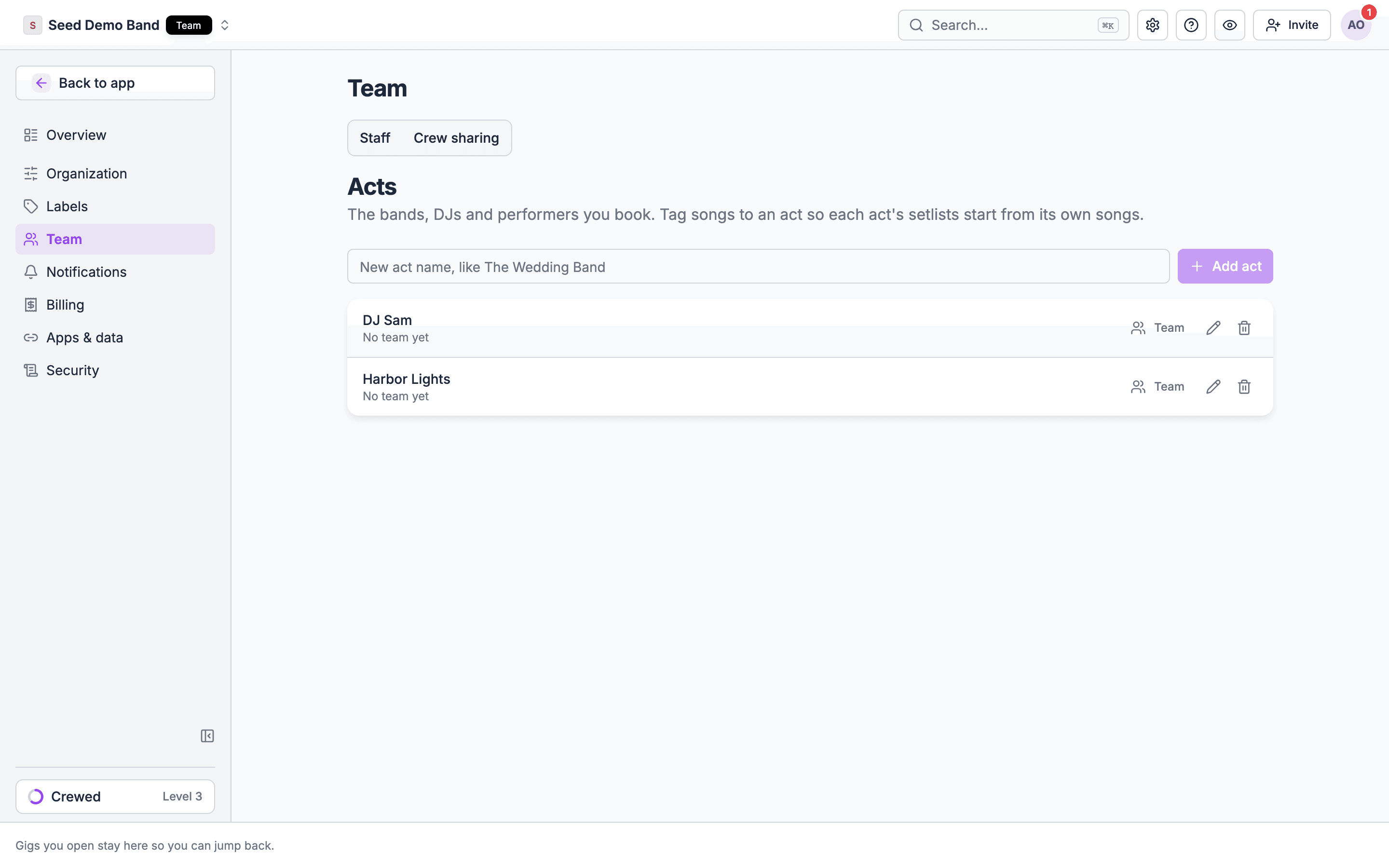
The Acts page
The Acts page in organization settings, under Team, lists your acts. Its description reads “The bands, DJs and performers you book. Tag songs to an act so each act’s setlists start from its own songs.” You reach it from the link in a song’s Acts field when you have no acts yet, or at/settings/organization/acts.
Act names must be unique. Owners and admins manage acts. The people in an act are booked as crew with performer positions.
Acts can also come in with an import: a song import’s Acts column creates any act it names that doesn’t exist yet. See Adding songs in bulk.
Tagging songs to acts
When you add or edit a song, pick one or more acts under Acts (Acts that play this song). With no acts yet, the field links to the Acts page, where you can add them. A song can belong to several acts, and an act can have any number of songs. In Documents → Songs, the Acts column shows each song’s acts, and the Act filter narrows the list to one or more acts. Both show once your organization has acts.Where the tags pay off
Set pickers
In a gig’s run of show, the song picker for a set that names an act lists only that act’s songs. Choose Show all songs to pick from the whole library, and Show this act’s songs to go back. When no song is tagged to the act, the picker lists the whole library.Act lanes on the Schedule
On the Schedule view’s Tracks layout, each act on the gig gets its own lane, which is where its sets live. Use Add set under the lane, and add songs: the act’s songs come first, then the rest of the library. A lane’s menu can also add a saved setlist to that lane as sets. A lineup label that matches no act gets a lane marked Not an act yet; choose Save as an act from its menu to create the act. See Act lanes.Ensemble counts
On the Setlist view, a set with no Pieces or Vocals of its own shows its act’s counts as placeholders. See Ensemble, Pieces and Vocals.Client song lists
A client music request form can offer the songs of the acts on the gig, or of one act, instead of a free-text list. See Music requests.Related
The song library
Where you tag songs.
Building on the Schedule
Act lanes and sets on the timeline.
Glossary: Act
The act in Soundcheck’s model.