

Open a gig’s inventory
Managers (owners, admins and gig coordinators):- Open the gig.
- Tap the More pill.
- Tap Inventory (“Pack out and pack in”).
Pack out and pack in
- Pick Pack out or Pack in at the top.
- Tap a row to tick it. Each row shows the quantity as “×4” and its status: Packed out, Packed out · not back or Back in.
- The headline counts progress, such as “3 of 8 packed out”, or “All 8 packed out” when you’re done.
Offline and weak signal
Ticking needs a connection. With no signal, the screen says “You’re offline. Check-offs are paused until you reconnect.” Ticks aren’t queued to send later. The gig’s inventory list isn’t saved on the phone for offline reading either, so open the screen while you still have signal. Outside gear is saved, so crew can still read it in Show info offline.Shortages
A row that’s short shows Short and the number. When other gigs hold the same gear, the screen says: “Other gigs have the same items booked. Free some up or swap items on web before load-out.”Change the list on the web
The mobile screen doesn’t add, edit or remove lines. Use Edit inventory on web to open the gig’s Inventory tab in your browser. On a gig with only outside gear, the button reads Edit outside gear on web. An empty list shows No inventory on this gig yet with Add inventory on web.Outside gear
- Managers see an Outside gear group on the gig’s inventory screen.
- Crew see outside gear in the gig’s Show info, grouped by who brings it: Band, Vendor or Venue.
Messages you might see
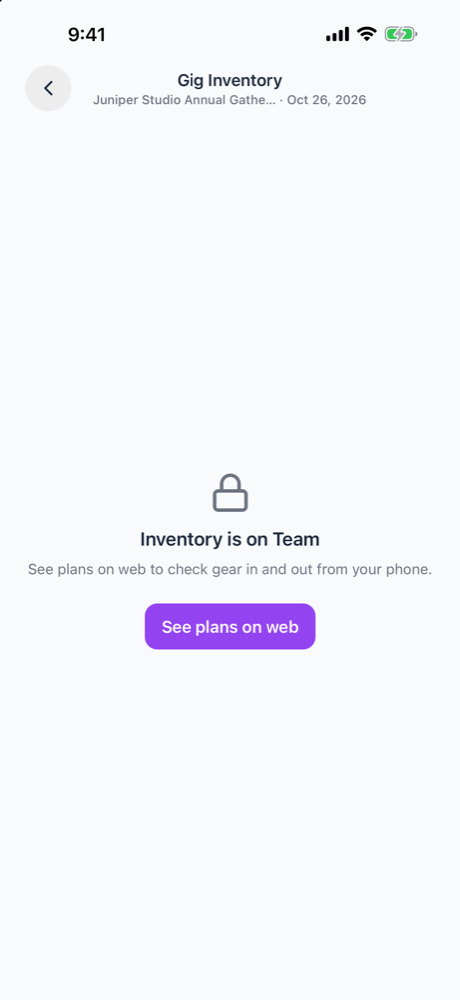
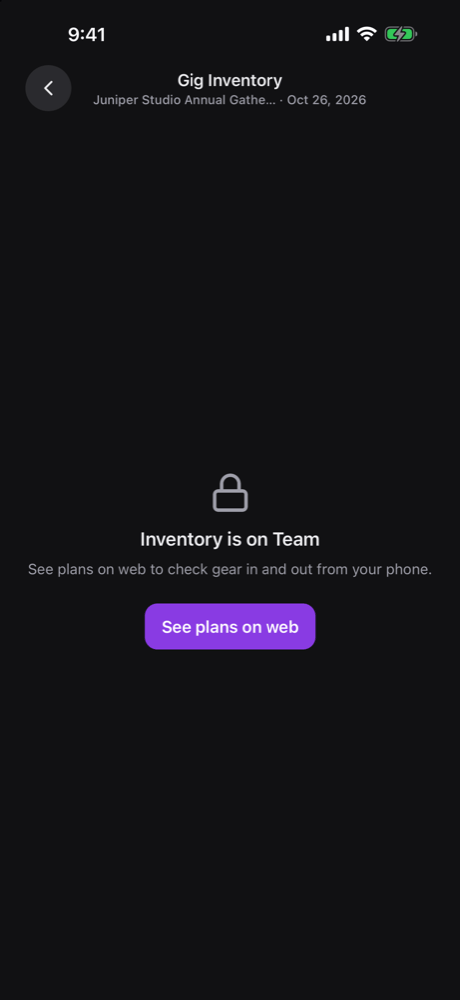
What’s not on mobile
- Your organization’s inventory list. Opening it says Inventory is not available on mobile.
- Adding items, starter packs, imports, stock locations, units and kits.
- The Availability board and Pack sheets.
- Adding, editing or removing gig lines or outside gear.
- Scanning barcodes or QR codes.
- Notifications about gear. The app sends none for shortages or late returns.
- Checking gear out to one person. A line booked to a team member through the API or the AI assistant shows “Assigned to” and the person’s name, but you can’t create one in the app.
Related
Packing out and back in
The full rules for Out and In.
Mobile app
Getting around the mobile app.