

What you can rate
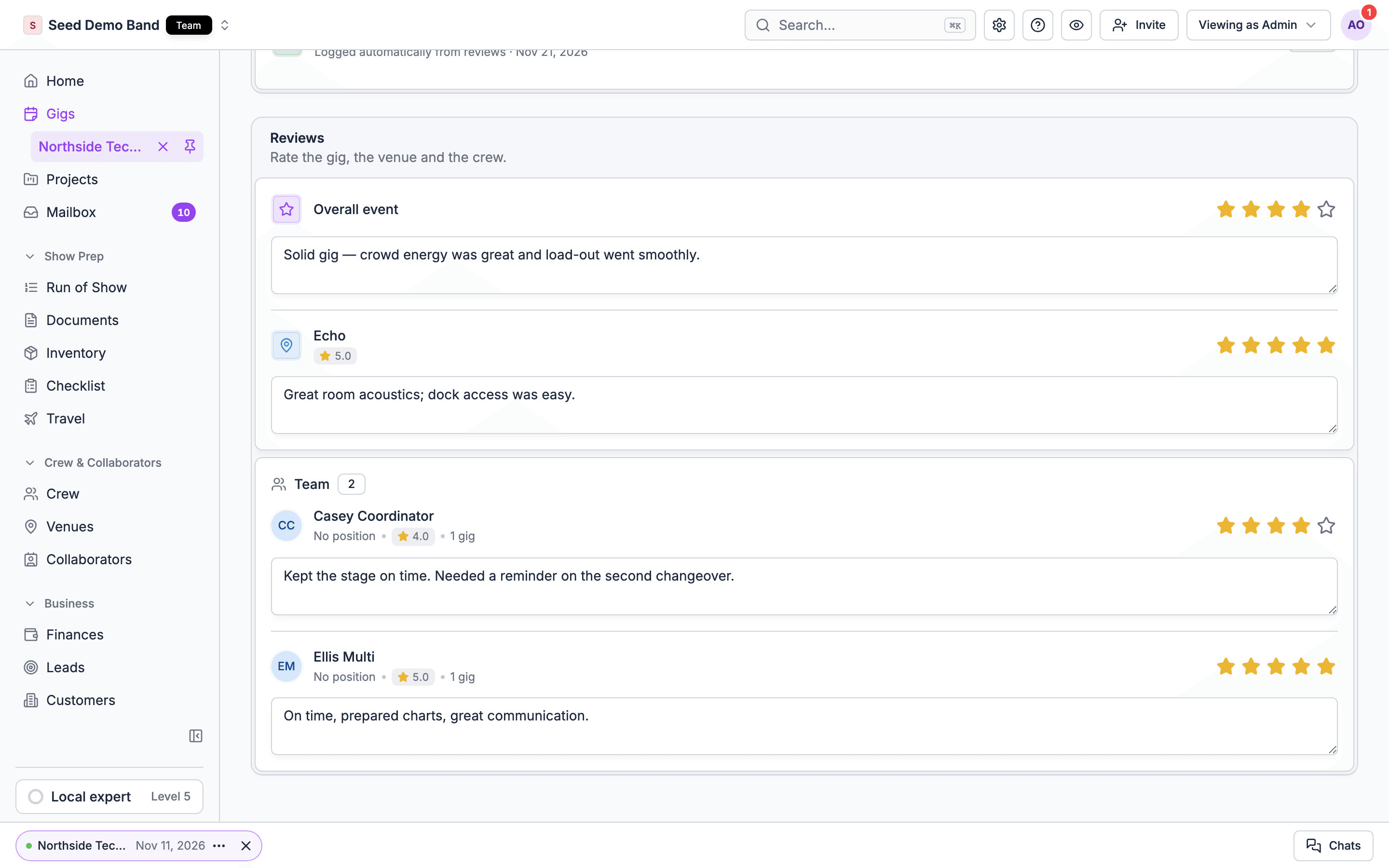
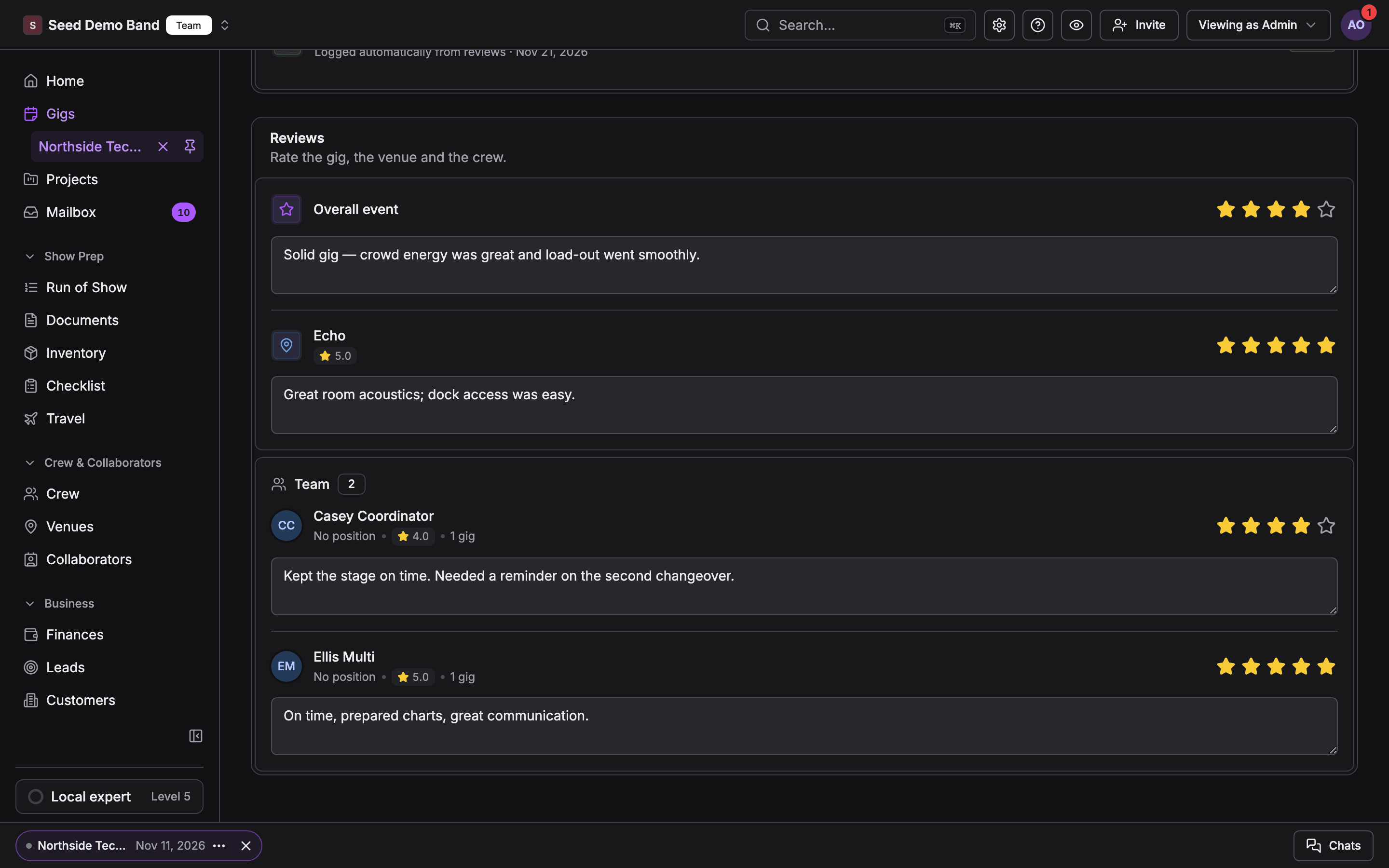
Each card holds one rating from 1 to 5 stars and optional notes. There is one score per card, not separate scores for punctuality, skill and so on. Put those in the notes.
The Team card lists the people working the gig, including crew booked through crew offers.
Rate a gig on the web
1
Open the Closeout tab
Open the gig and choose Closeout. The tab appears once the gig is past or closing out, and on sample gigs.
2
Find Reviews
Scroll to the Reviews frame: Rate the gig, the venue and the crew.
3
Pick the stars
Choose a star rating on Overall event, the venue, or a person under Team. It saves right away and shows Review saved.
4
Add notes if you like
Type in Add notes (optional). Notes save when you leave the field.
Rate a gig in the app
1
Open Closeout
Open the gig, tap More, then tap Closeout.
2
Pick who to rate
Under Reviews, tap the event, the venue or a crew member. Each row reads Not rated, 1 star or N stars.
3
Rate and save
Pick the stars, add Notes (What went well, what to change next time) if you like, and tap Save review. Cancel leaves it as it was.
Who can rate and who can see
- Rate and read reviews: Owners, Admins and Gig Coordinators. A Lead or Finances assignee can’t, and neither can the Finance role. See Assigning people to run a gig.
- Crew never see their own ratings or anyone else’s. There is no crew-facing view of reviews.
- Clients, collaborators and guests never see reviews.
- Archived gigs, and previewing a gig as a member, are read-only.
Nobody is prompted
Soundcheck doesn’t remind anyone to leave a review today. There is no push or email after the show. Make it part of your close-out routine: the Post-project feedback logged step on the close-out checklist stays open until someone saves a review, and the Gigs list warns about finished gigs that still need closing out. See Closeout.For AI assistants
AI assistants connected through the MCP server can read a gig’s reviews withlist_gig_reviews: the gig’s rating and the venue’s rating, each with its notes. Crew ratings are never returned to an assistant. Assistants can’t write reviews; rating happens in the web and mobile apps.
What reviews don’t do
Soundcheck doesn’t do these today:- Crew rating the gig or your organization. Reviews go one way, from your gig managers.
- Client reviews, surveys or NPS. Ask clients for feedback outside Soundcheck.
- Public testimonials. Reviews never leave your organization.
- Separate scores per category. One 1 to 5 score per card, plus notes.
A gig review is not the same as a person’s Rating on a position on their profile, which describes how good they are at that position in general. To act on a poor review, also lower that position rating or add a note to their crew record. See Finding crew.
A worked example: a wedding band’s Saturday
A wedding band agency closes out Saturday’s reception on Monday morning. The Gig Coordinator opens the gig’s Closeout tab:- Overall event: 4 stars. Notes: Ran 20 minutes late after toasts. Planner great.
- The venue, The Grove: 3 stars. Notes: Load-in through kitchen, no elevator. Bring a dolly. The Grove’s rating on the Venues table drops toward 3 for the next booking.
- Team: 5 stars for the sax player and the sound engineer, and 2 stars for a sub keyboard player who arrived after call, with a note saying so.
Questions this page answers
- Can I rate crew after a gig, and can they see it?
- Can I rate venues, and where does the average show?
- Who in my organization can leave reviews?
- Does Soundcheck remind us to review a gig?
- Can an AI assistant read our reviews?
- Can clients or crew review us?
Related
Closeout
The close-out checklist, settling and reviews.
People
Everyone on a gig, in one place.
Venue directory
Venue ratings across your gigs.
People glossary
Guest, client, sharing and review terms.