

Run of Show
- Files on a row. A run of show row can carry its own files, so a chart or cue card sits on the cue it belongs to. Set them in the row’s Details… panel in the List view. Gig-wide files stay under Attachments. See Run of Show.
- The music schedule is printed from the run of show. When you send the music schedule from the Documents tab, its content comes from the gig’s run of show and music notes. Leave out surprise cues keeps surprise cues out of that send. A run of show note prompt you leave empty stays off the music schedule.
- Sending from the Run of Show tab. The setlist panel on the Run of Show tab has a Sent row with Send, and the Charts row. Both open the same send as the Documents tab. See Music schedule and details.
- Song files. Files on the songs in the gig’s setlist show under Song attachments.
Finances
- A signed quote sets the price. When you upload a PDF quote with a labelled total, the agreement row reads Quote · amount. When the client signs, that amount becomes the gig’s contract price in its billing terms, and deposit and balance invoices are drafted from those terms. See Agreements and e-sign.
- The signed date. The first client agreement or PDF quote signed by every party fills the Signed date in billing terms, unless you typed one yourself.
- Closeout. A client agreement signed by every party it asks completes the gig’s Contract signed closeout step.
- Who sees terms. Staff with financial viewing access can read agreement terms. Coordinators without it see the recipient and signing status only.
- Template fields. An agreement template can fill in gig details such as Contract price from the gig.
Client portal
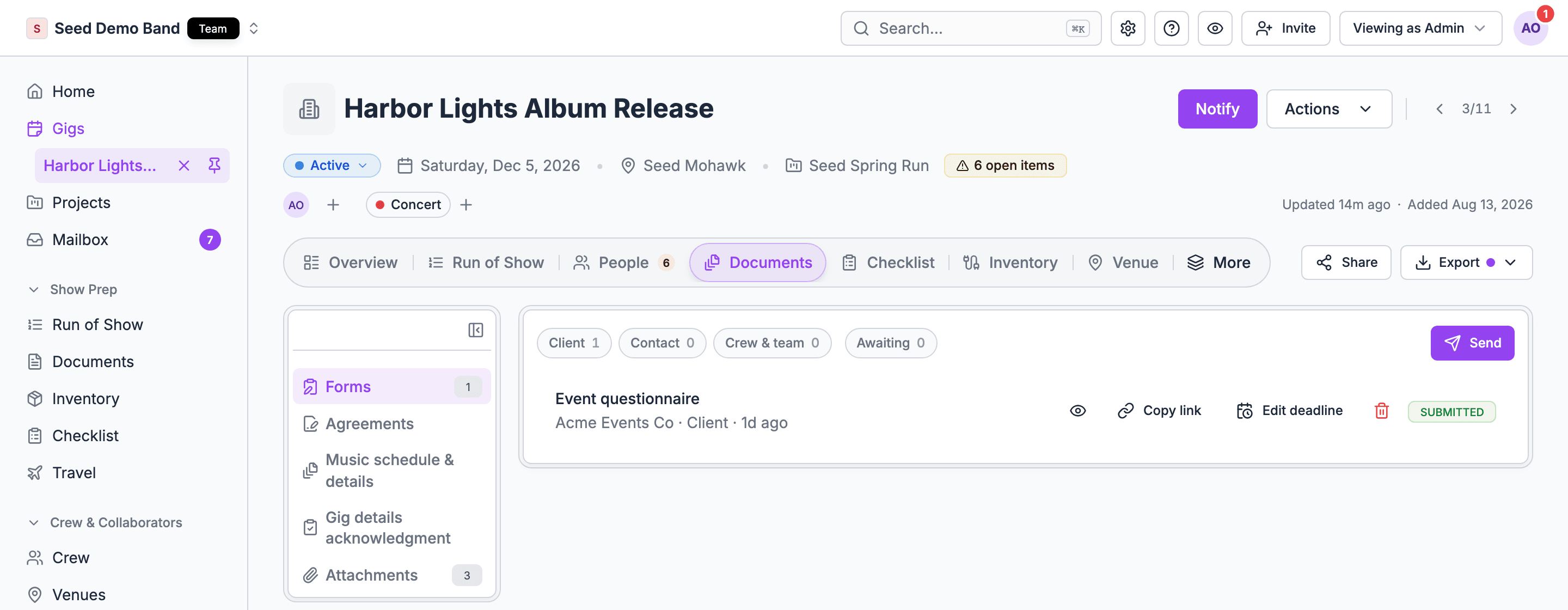
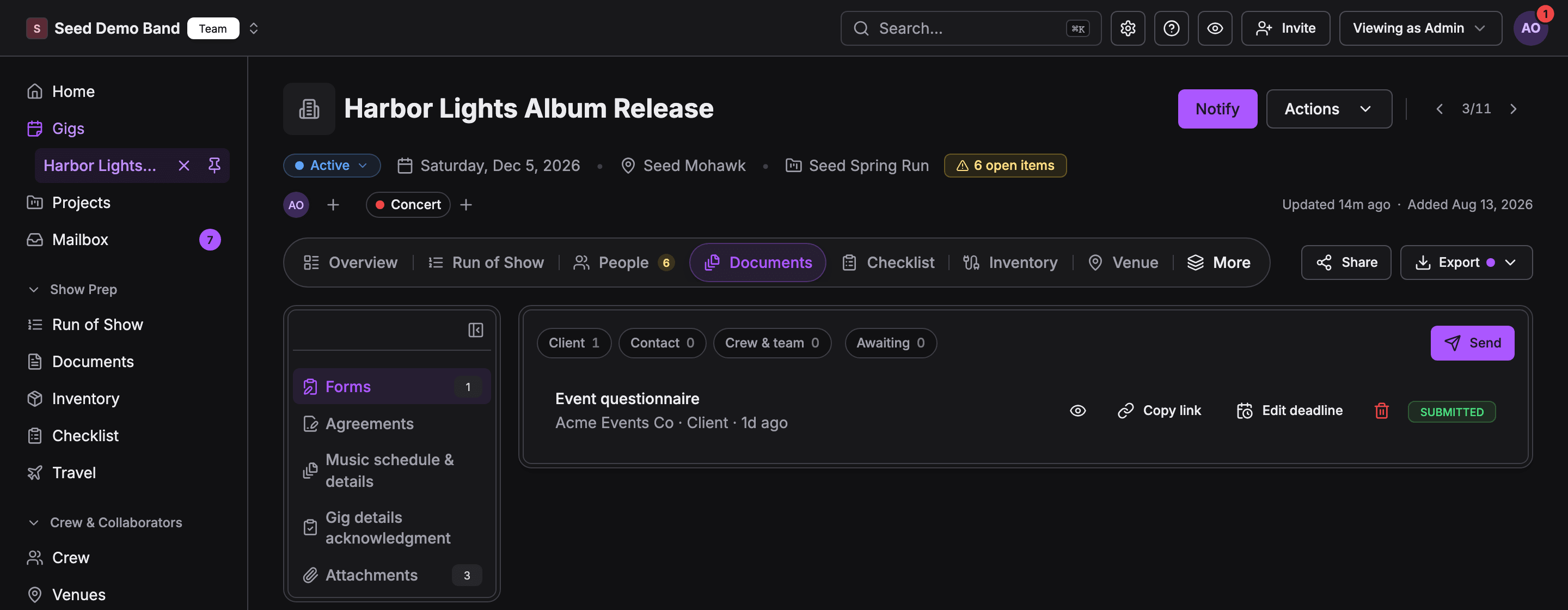
What you send from Documents shows up for the client in their portal:
The portal’s own event Documents tab lists the client’s forms, agreements and music schedule versions together, split into Waiting on you and Done. When nothing is waiting, it reads Nothing needs you right now. Clients see what you sent to that client. Gig attachments never show in the portal. Invoices are a separate part of the portal, owned by Finances.
People
- Crew agreements. On the Crew group of the gig’s People tab, Send agreement opens the same New agreement dialog as the Documents tab, with those crew already picked. Each crew row shows its agreement status.
- Crew forms. Forms sent to crew show on the Documents tab and on that person’s row in the Crew group.
- Gig details acknowledgment. The acknowledgment panel opens from the Crew group’s More staffing actions (⋯) too.
- Onboarding. Forms and uploads new members complete when they join are a separate flow, under Settings → Labels → Departments → Onboarding. They don’t appear on a gig’s Documents tab. See Custom onboarding flows.
Reading files into a gig
Soundcheck doesn’t read records out of an uploaded file into a gig today. Attachments stay reference files. To bring booking details in, forward the confirmation email (below), or paste a schedule into the run of show with Paste data.Forwarded confirmations
Booking confirmations you forward to your organization’s address arrive in the Inbox. Soundcheck reads flights, hotel stays, ground transport, venue details or contracts out of them, and nothing reaches a gig until you approve it. Flights and hotels go to the gig’s travel, ground transport becomes a run of show travel row, venue details go to the venue’s show notes, and a contract becomes a gig note. The email’s attachments aren’t saved to the gig. See Forwarded confirmations.Sources and links
The gig’s Links tab shows where the gig came from (Luma, HubSpot, Flex, an event page, a spreadsheet, pasted text or a form tool) and lets you push changes back to Luma. See Sources.Imports and exports
- Forms import. A workspace import can create forms with their questions when your organization has none with the same title. An existing form is never changed. Agreement templates, form files, requests, answers and signatures stay out. See Import format reference.
- Run of show templates import without their file attachments.
- Form responses export. The gig’s export hub offers Form responses as a CSV when you can see the Documents tab.
- Branded PDFs. The export hub also prints the Day sheet, Advance packet, Crew list, and preview copies of the Music schedule and Details sheet, for people who manage the organization’s gigs. They carry your organization’s name, colors and a PNG or JPEG logo, on A4 pages. Branding is on every plan.
- Workspace export leaves files out.
AI assistants (MCP)
An AI assistant connected through MCP can work with much of Documents:The organization library
Your organization’s Documents page holds what every gig reuses: Files with folders, Songs, and, for owners and admins when the CRM is on, Forms and Agreements (the agreement templates). See Organization documents.Related
Documents
Start here.
The show model
How the parts of a gig fit together.