


How codes work
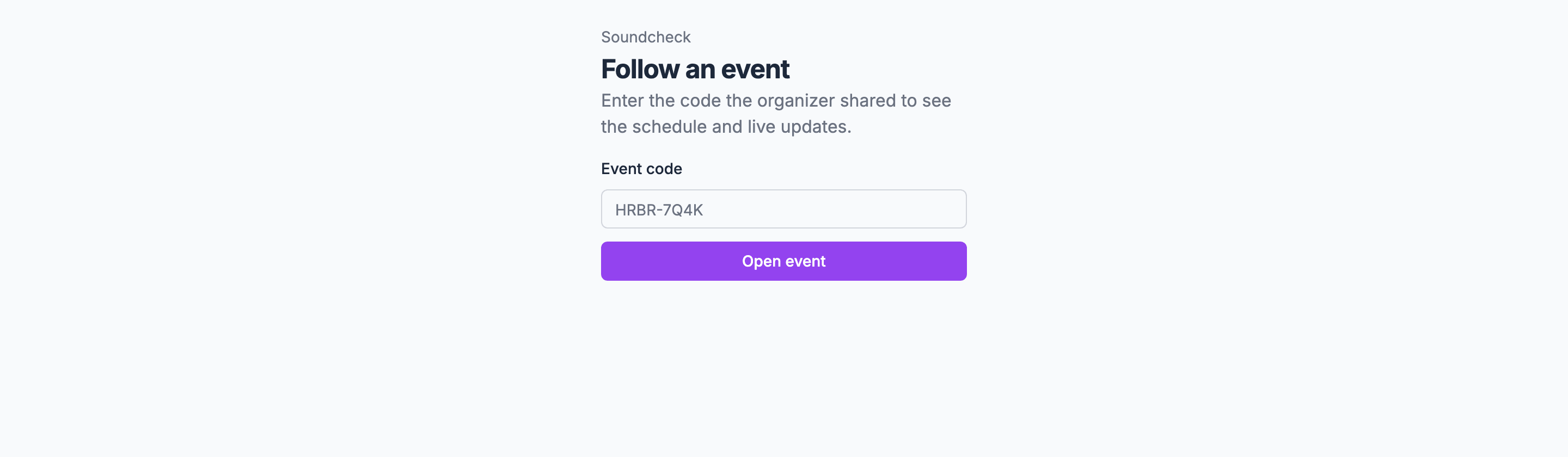
- A code is 8 letters and numbers, shown as two groups of four, such as
HRBR-7Q4K. - Codes avoid letters and numbers that are easy to confuse: no 0, O, 1, I or L.
- Codes ignore case and dashes, so
hrbr7q4kopens the same page. - Each gig has one live page and one code at a time.
Who can see what
Guest pages and the client portal show the run of show only while the live page is published. Taking the live page down turns off the code and removes the public run of show from those views. Guest pages stay open, and Your schedule still lists the items each guest or client is on.
The page never shows notes, cues or instructions on run of show items, the people assigned to them, items marked Surprise, sections and items aimed at specific crew positions, sections you hide, crew steps you haven’t turned on, or crew-only key times. See The schedule on the page.
Soundcheck doesn’t add a password or PIN beyond the code, doesn’t show different content to different audiences, and doesn’t count who opened the page. Guests don’t sign in or fill anything in. The page asks search engines not to list it.
For every group that can open a gig, see Who can see and do what on a gig.
When a code stops working
- New code. Issuing a new code turns the old code and link off. Everyone needs the new code to follow the gig. See Issuing a new code.
- Take page down. The code stops working right away. Publishing again gives a new code.
- Restricted. Switching General access back to Restricted in Share turns the guest link and code off.
- The gig goes back to draft or becomes a template. Its code doesn’t open the page.
- The gig is deleted.
Wrong codes
Each network address gets a limited number of wrong codes in a 10-minute window before it has to wait. Correct codes never count, so a venue full of guests on one Wi-Fi network is not slowed down. A guest who hits the limit sees Too many tries. Wait a few minutes and try again. with Try again.Related
Live page
Start here.
Who can see what
Every group that can open a gig.
Publishing and managing
New codes and taking the page down.