

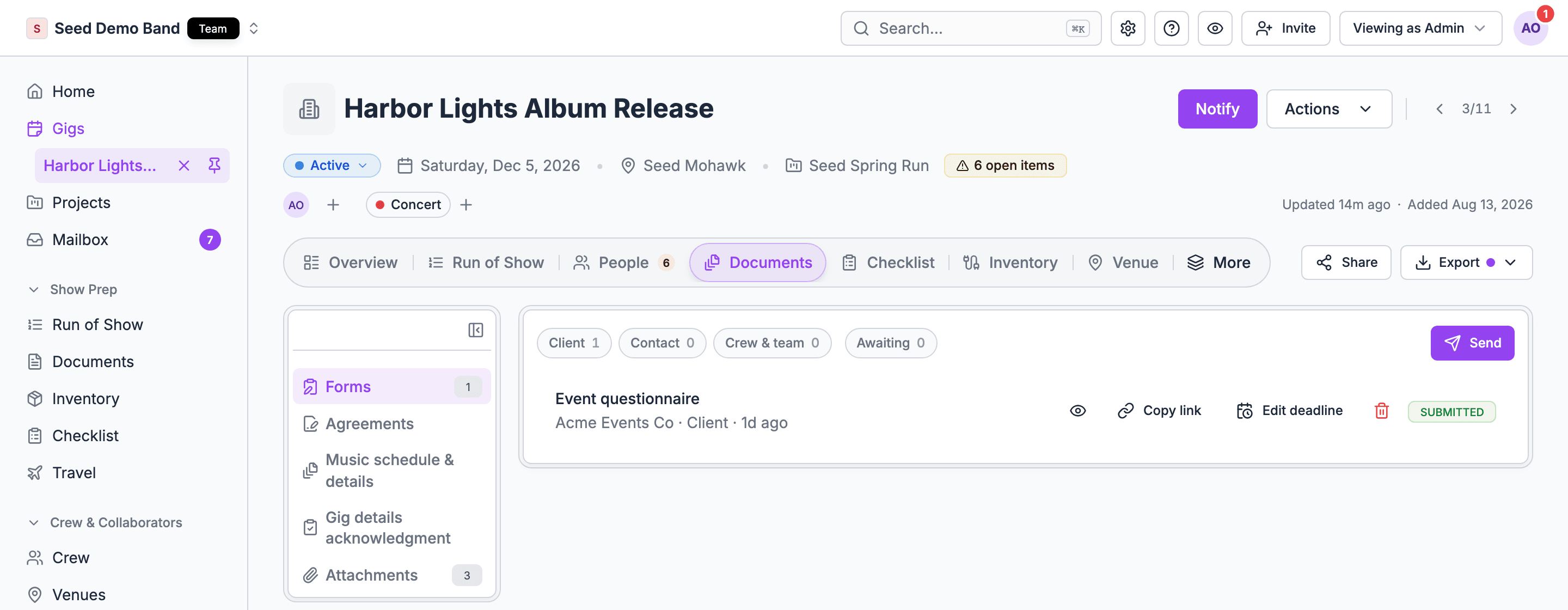
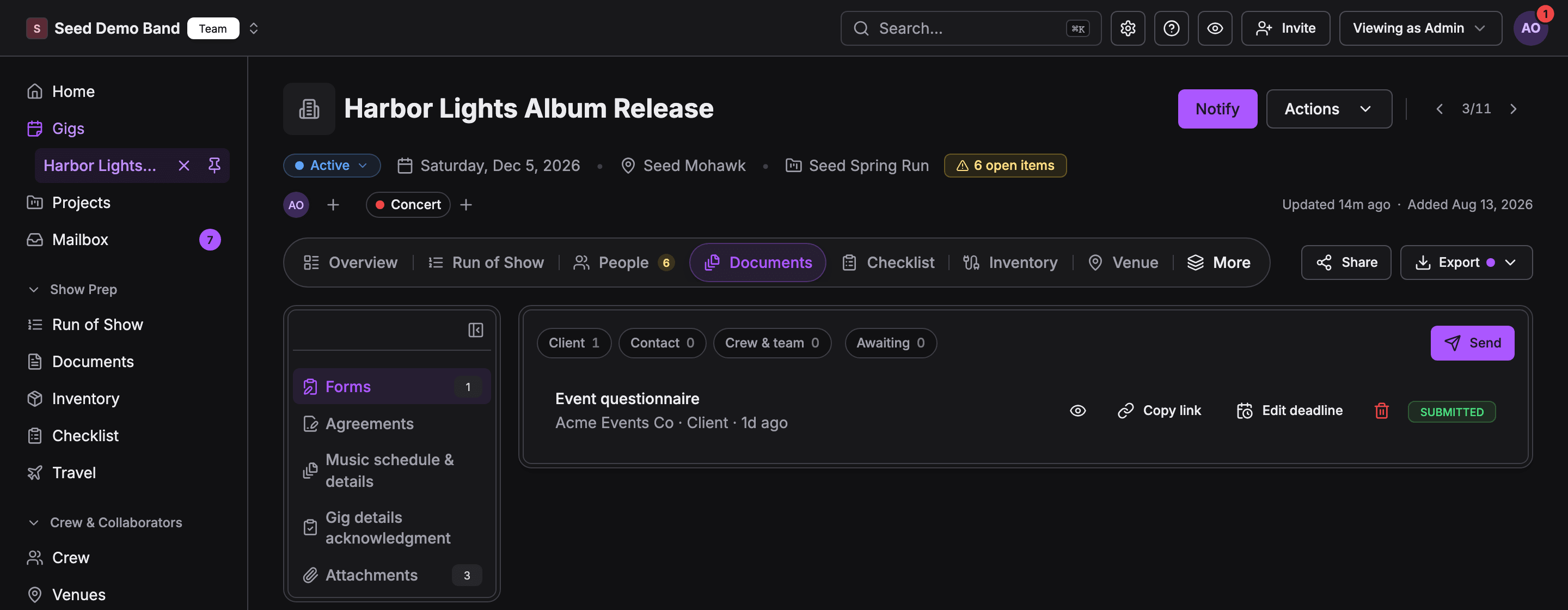
The five kinds
Send opens the same flow you’d reach elsewhere on the gig. It only shows when you’re allowed to send that kind.
Filter the list
Every kind except Attachments has two sets of filter chips:- Party: Client, Contact, or Crew & team. Each chip shows its count.
- Status: Awaiting, for rows still waiting on someone.
What each row shows
Each row has a title, who it went to, their party, any extra detail (such as the client’s name or the version number), how long ago something last happened, a status badge, and the actions you can take. A note shows under the row when there’s one to read, such as the changes someone asked for. If a list can’t load, it says so, such as Couldn’t load forms, with Try again. If it loaded before but can’t refresh, it reads Couldn’t refresh and keeps showing the last loaded list.Who sees what
Crew act on their own rows right on the tab:
Related
Documents
Start here.
Troubleshooting
When a kind or a button is missing.