

Two audiences
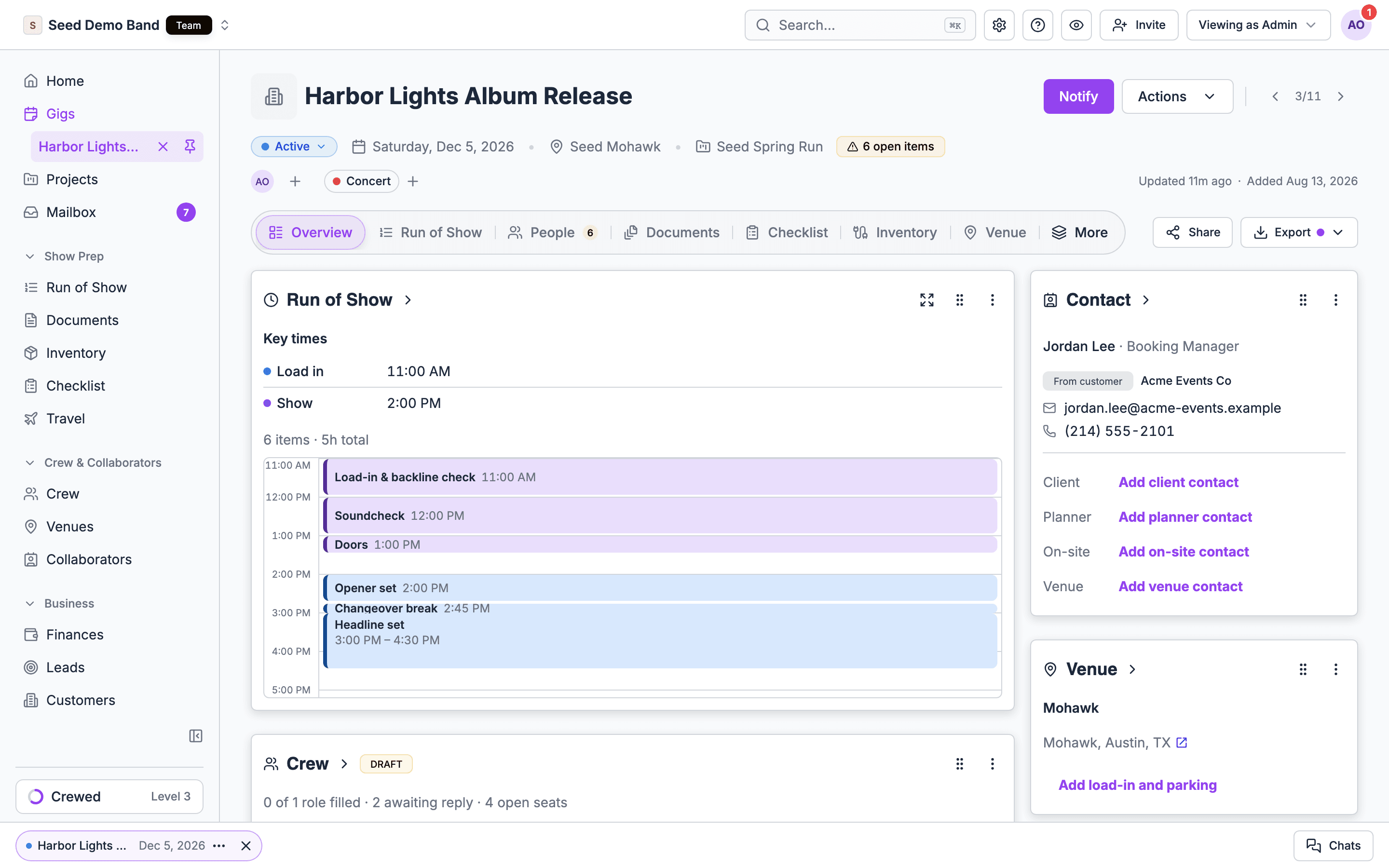
Each key time is either for the team only or for guests too.
Crew call, load in, rehearsal, soundcheck and load out are team-only. Key times your organization adds are team-only too.
For the team
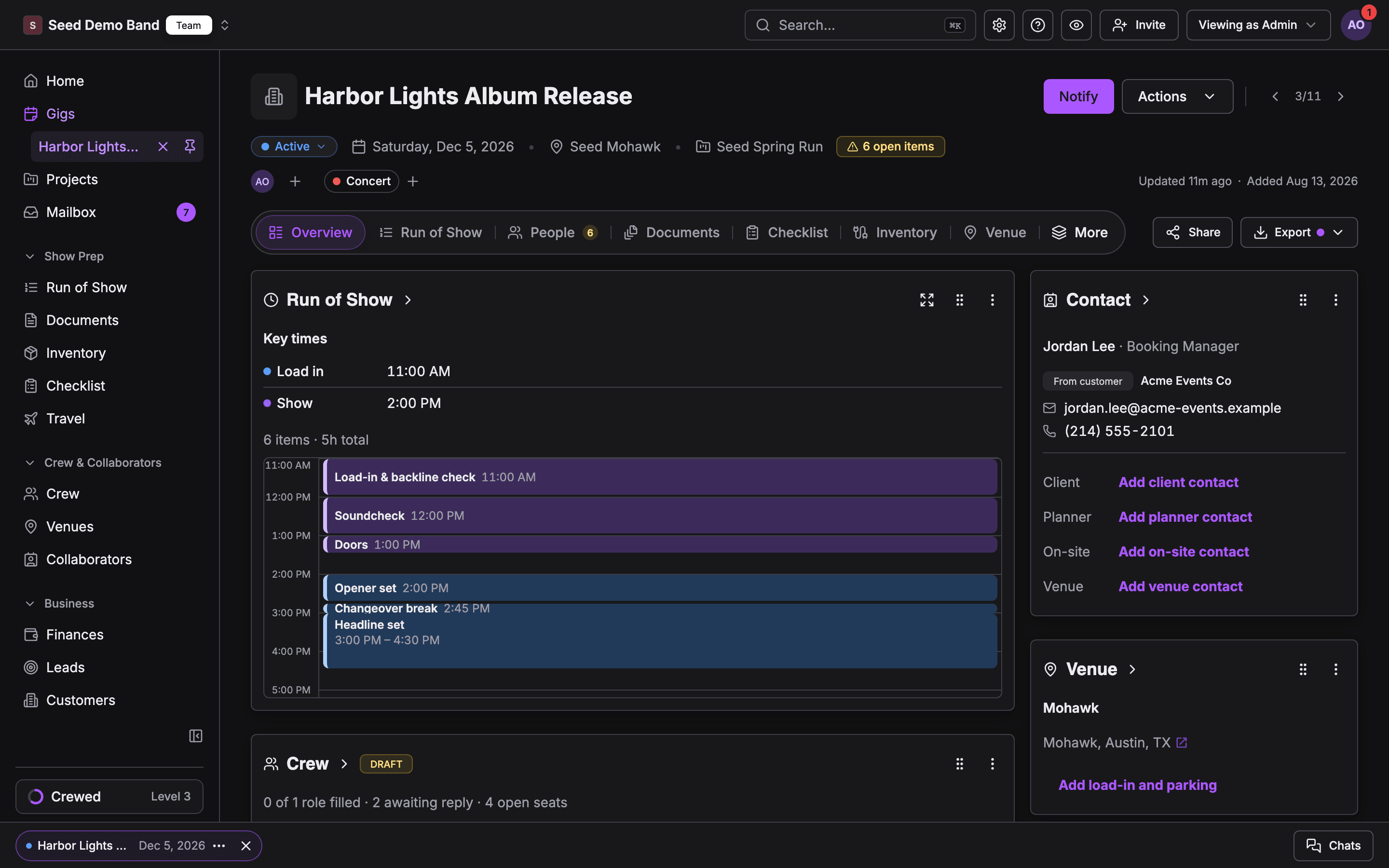
- Run of Show: key time rows in their key time’s color, and sections that follow a key time. See Key times from run of show items.
- Gig Overview: the Run of Show section lists the key times, grouped by day on a multi-day gig. Without it, the Key times card shows them.
- Gig brief in the mobile app: crew see the key times for the selected day at the top of the gig brief, and a change shows in their gig updates. See Key times in the mobile app.
- Filtered views: key time rows stay in the run of show when you narrow it to one person with Schedule for or hide tracks. In the app, My items keeps key times in view.
For guests and clients
- Live page: shows the run of show sections and items guests may see. When there is no run of show for guests to see, the page lists the guest-facing key times instead, grouped by day.
- Guest page: shows the live page, and a Your schedule card that lists the guest-facing key times, then the run of show items the guest is on.
- Client portal: at the top of the Schedule card, Your schedule lists the gig’s guest-facing key times, then the run of show items the client is on. A client on no items still sees the key times.
What doesn’t show key times
The call sheet and day sheet PDFs don’t print the gig’s key times. The call sheet prints the labor call, whose earliest department load-in and load-out calls are what set the gig’s Load in and Load out key times.Related
Live page
The public page for guests.
Guests
Guest lists and guest pages.
Client portal
What clients see.