

Sources
A synced time shows where it came from on the gig page: From Flex, From the labor call, From the event page or From an import.
See Staffing and shifts for the labor call, and Universal Event Format for the
key_times[] an import can carry.
Synced times in the run of show
When the gig has a run of show, a sync adds its times as named items, titled with your organization’s name for the key time, in the section on the matching track that has started by then. Labor call load in and load out go in a Production track section when the gig has one.- A later sync from the same source moves or removes only its own items.
- Once you change an item’s time or key time, or move its key time from the gig header, the item is yours and syncs leave it alone.
- Changing only its title or notes keeps it synced.
Who wins
A sync never changes a key time a person set.- Once you edit or add a key time on the gig, that time is yours. A sync only updates the times it wrote.
- When two sources name the same key time, the first one to set it keeps it.
- If you delete a synced time, the next sync can add it back.
Calendars
Soundcheck doesn’t send key times or run of show items to Google Calendar, Outlook or calendar feeds today. To share the day’s times, export a PDF or send crew to the app. See Exporting.Pasting from a call sheet
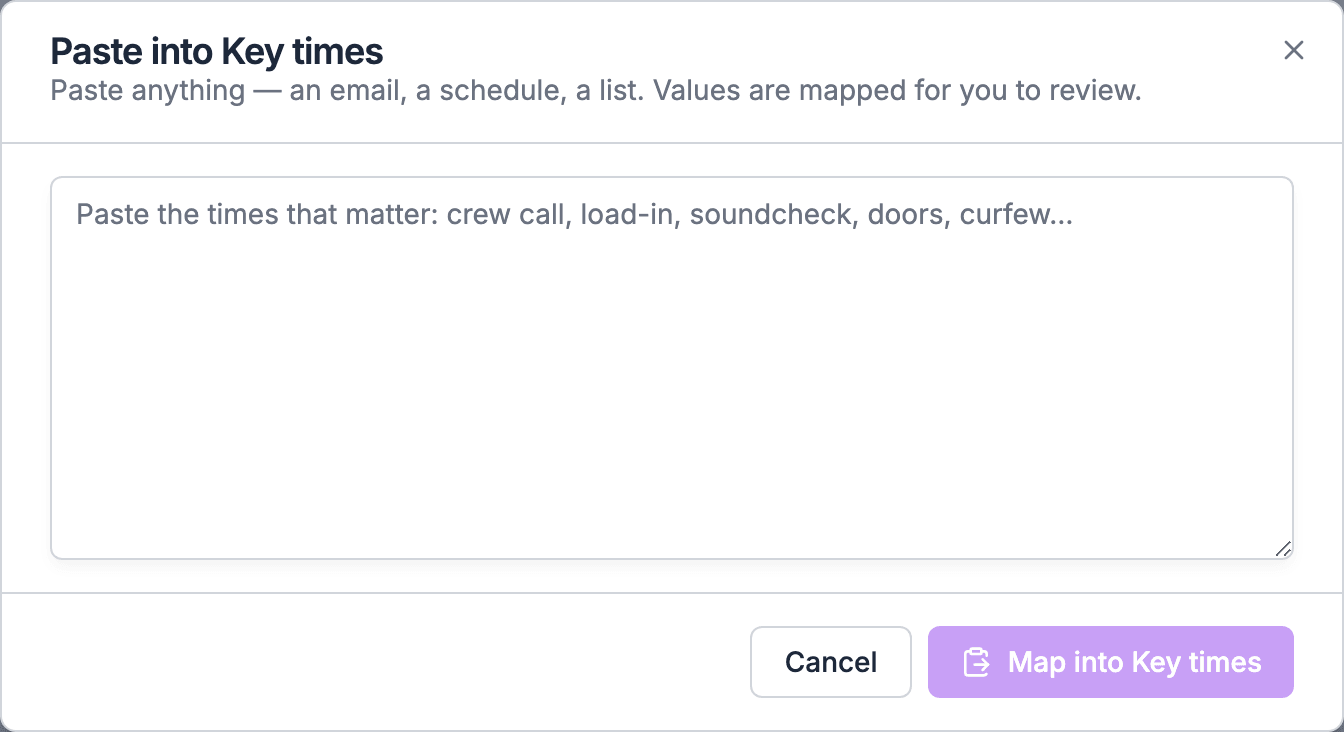
To set the times everyone needs from a call sheet, choose Paste key times next to Paste data above the run of show List grid.- A name on your key time list becomes that key time on the gig.
- Any other name is marked New in the review and is added as a plain item, so nothing you ticked is lost.
- A key time that’s already set on that day is added as a plain item too, and the dialog says so.
Related
Key times
Start here.
Importing a schedule
Paste or upload a whole schedule.
Troubleshooting
When a sync doesn’t do what you expect.