

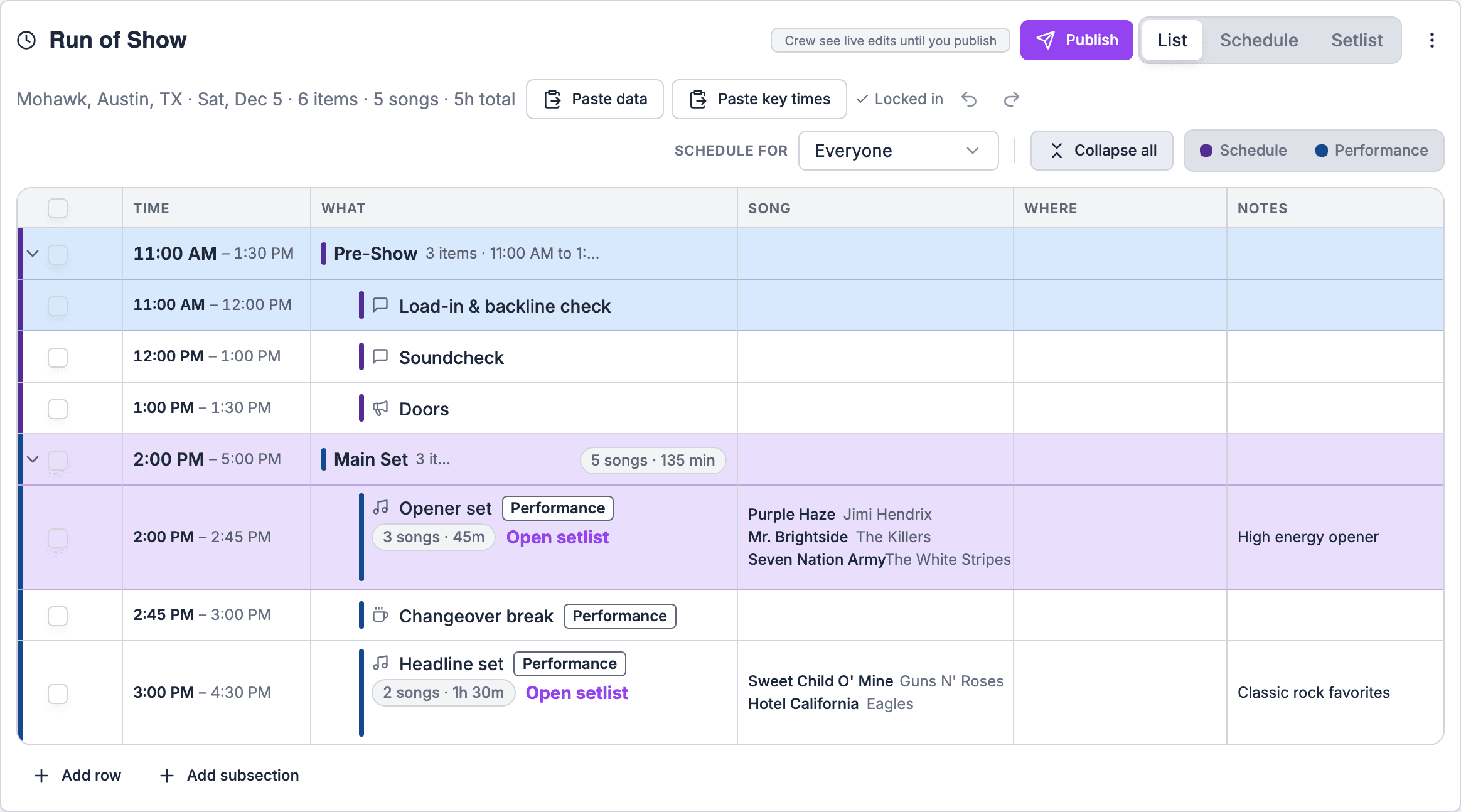
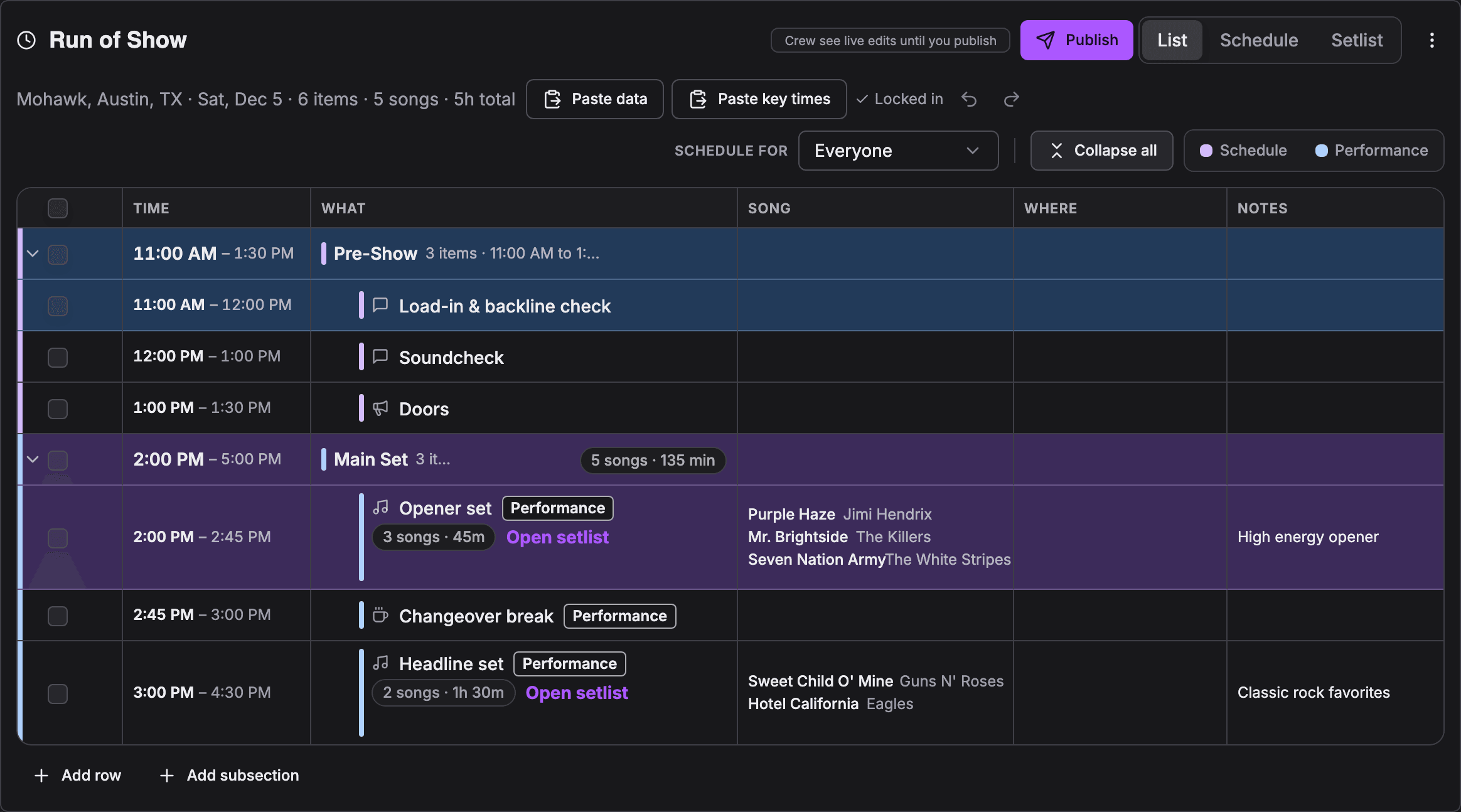
How key time rows are colored
Each key time has a color, set in your key time list. In the List view, a key time row takes its key time’s color across the whole row: a Doors row is amber by default, a Show row violet, a Load in row blue. The colors come from the run of show’s eight-color palette (violet, blue, teal, green, amber, rose, indigo and slate), with light and dark mode versions. If a key time’s color doesn’t match any color in the palette, its row keeps the default tint.How sections get their color
A section’s color marks it in the grid, on the Schedule and on the PDF export. It comes from:- Its linked key time. A section linked to a key time takes the palette color closest to that key time’s color.
- Its position, when it has no key time. Sections cycle through the palette in order.
The Who sees it field is gone from sections too. Who an item is for now comes from the people assigned to it. See People and assignments.
Sections that follow a key time
A run of show section can follow a key time. Open the section’s Details… panel, choose Link to a key time, and pick it from Key time. The picker shows your organization’s key times with their colors. In the List view, the section then shows Follows Doors (or whichever key time you chose).- When the key time changes (on the gig page, by a sync, or through an agent), the section moves to it, and every timed item in the section moves by the same amount.
- When you move the section’s start in the run of show, the key time moves with it.
- A section you newly link, or one added from a template, snaps to the gig’s key time. If the gig has no key time of that kind yet, the section’s start becomes it.
- Imported segments for load in, soundcheck, doors, show and the like follow their key time automatically.
- Run of show templates keep each section’s link, so a venue template’s Doors section follows each gig’s doors.
- Duplicating a gig copies each section’s link.
Changing colors
To change a row or section color, change its key time’s color under Settings → Labels → Gigs → Key times. Every gig’s run of show picks up the change. To give a section a meaningful color, link it to a key time.Related
Your key time list and colors
Change a key time’s color.
Templates
Templates keep section links.
Exporting
Section colors on the PDF.