

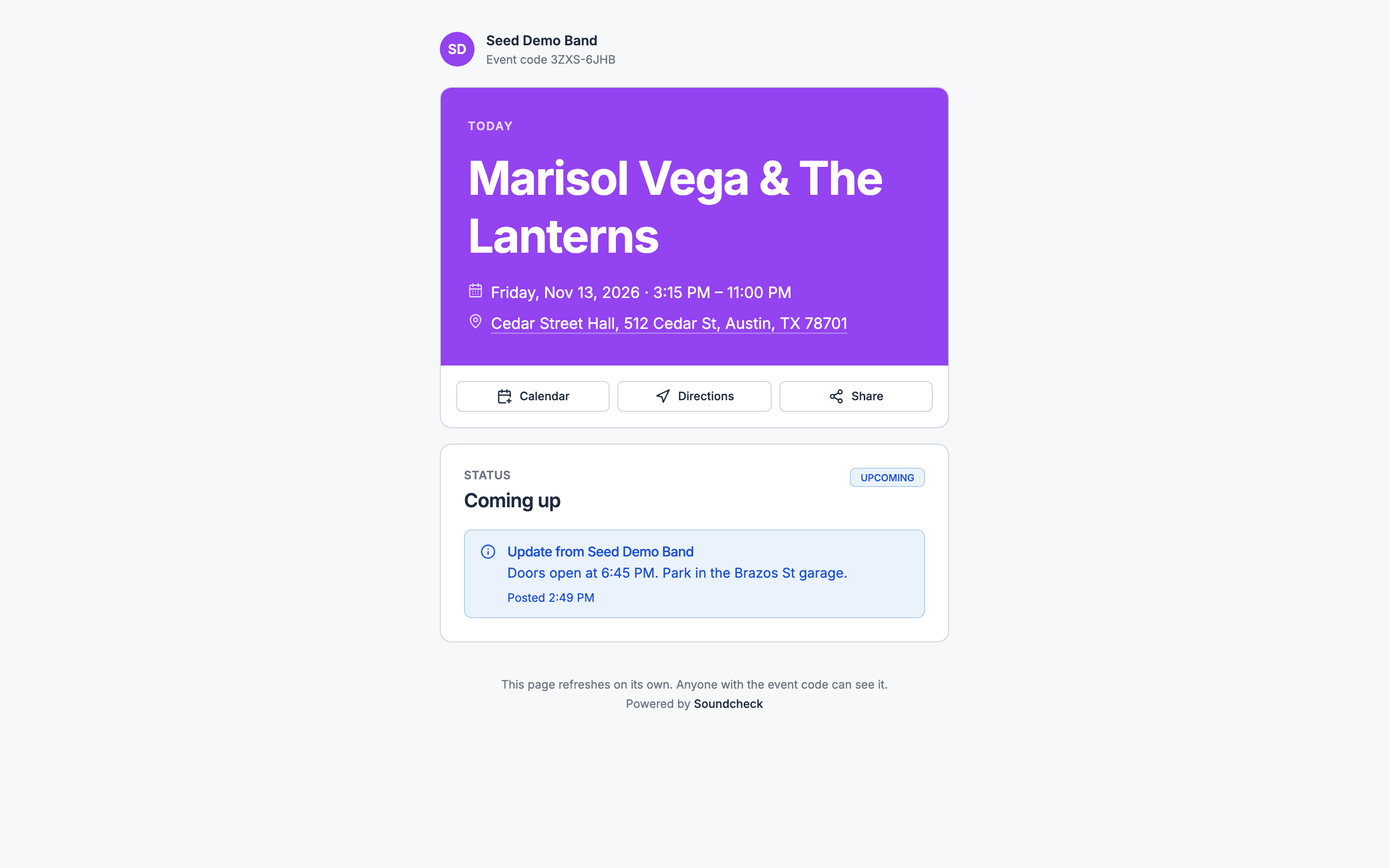
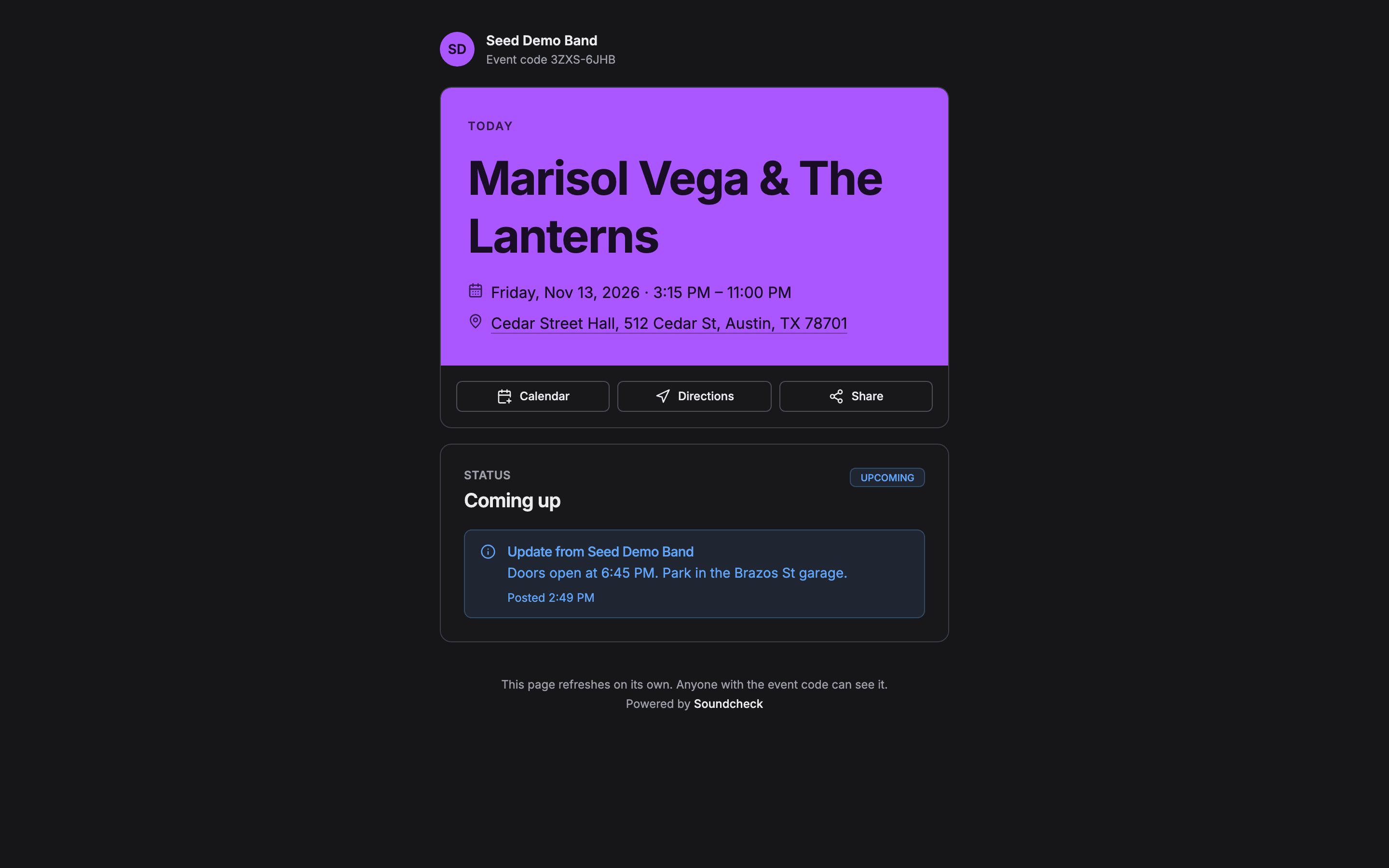
The page itself
Updates and announcements
Song requests
QR codes and on-site display
Privacy, branding and data
Soundcheck’s own words
Worked example: a wedding band’s night
A wedding band’s agent compares Soundcheck with a DJ request app and a wedding website builder. Here’s how their words map:- The couple’s wedding website stays where it is. The band publishes a Soundcheck live page for the reception and sends the viewer link to the planner and venue.
- Set times come from the band’s run of show: Cocktail set 5:00 PM, First dance 7:30 PM, Dance set 8:00 PM. Load in and soundcheck are crew steps, so guests never see them.
- On the night, the planner wants a push when dinner runs late. Soundcheck has no push, so the band leader sets Schedule status to Running 15 min late and posts a Status note: Dinner service running 15 minutes over.
- The couple’s must-play and do-not-play lists arrive before the day through Music requests. Guest song requests from the dance floor aren’t supported, so the band keeps those verbal.
- For table cards, the agent turns the live page link into a QR code with a free generator, and prints the event code under it.
Questions this page answers
- What is a live page called in other tools?
- Can guests request songs from the live page?
- Does Soundcheck make a QR code for the page?
- Can I password-protect the page?
- Can I remove Soundcheck’s branding?
- Do guests get a push notification when I post an update?
Related
Live page
Start here.
Live page FAQ
Answers to the questions buyers and operators ask.
What guests see
The public page top to bottom.
Run of show glossary
Show-calling, broadcast, music and wedding terms.