

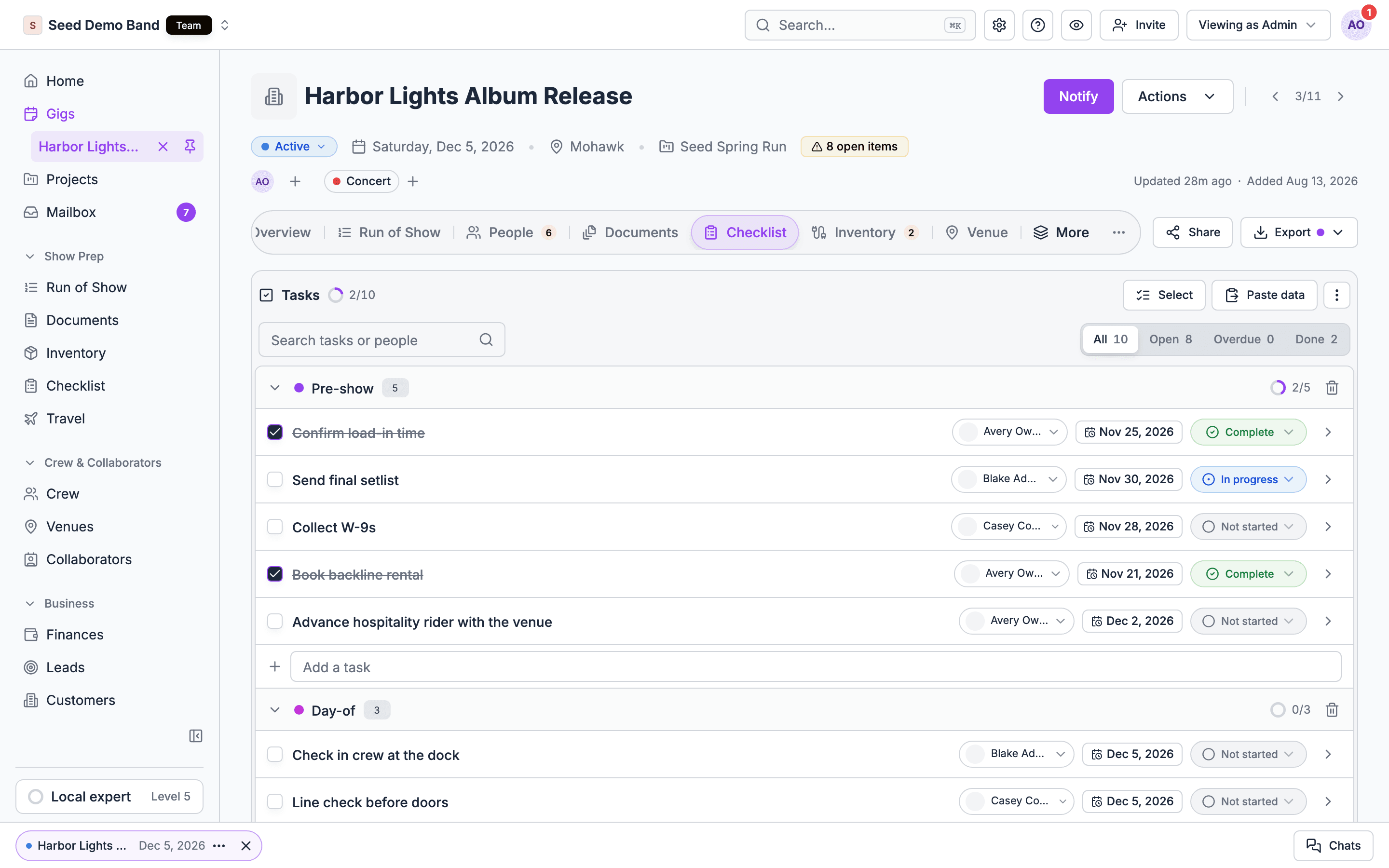
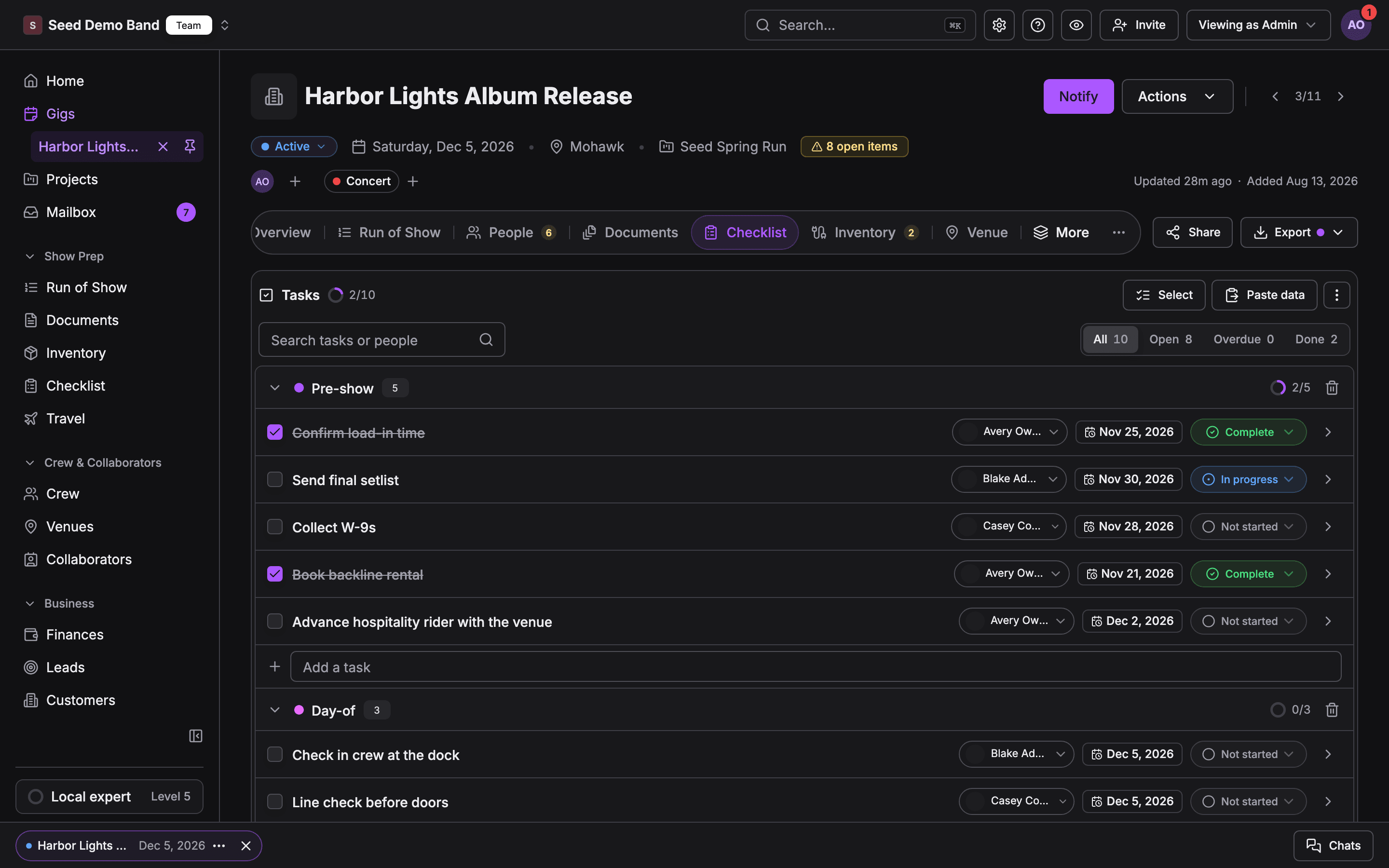
Soundcheck’s own terms
These are the words you’ll see in Soundcheck itself.Tasks and planning
Advancing and production
Safety
Worked example: a corporate conference
A producer runs a two-day product launch for a client. Here’s how their words map to Soundcheck.- Their planning timeline is the Corporate starter pack, saved as a template with Advance, Event day and Wrap sections. They set each task’s Due relative to the first day, such as 3 weeks before, and Owner to Production manager. Starter packs come with titles only, so this step matters.
- Creating the gig applies the template. The anchor date is the first day, so Send final run of show to client lands three weeks before day one. The task goes to the person who accepted Production manager on the gig.
- Their production advance is a set of tasks in Advance. The venue is shared as a collaborator, so Confirm load-in, specs and curfew appears as a collaborator request in Uncategorized.
- Their line check is a run of show item. The A1 and A2 on it each get an automatic task in the Run of show section, timed to the item.
- The client moves the launch a week later. Due dates don’t move by themselves, so the producer selects every dated task and shifts them +7 days.
- There’s no sign-off or dependency in Soundcheck, so the walk-through before doors is one task per check, assigned to the stage manager, who ticks each one on their phone.
Questions this page answers
- What does Soundcheck call a section, an owner and a relative due date?
- Can a task have sub-tasks or depend on another task?
- Do due dates move when the event date changes?
- Can I assign a task to a role instead of a person?
- Is there a sign-off step for safety inspections?
- How do I run an advance with the Checklist?
Related
Checklist
Start here.
Checklist FAQ
Straight answers, including what Soundcheck doesn’t do.
Checklist templates
Relative due dates, owners and starter packs.
Run of show glossary
Show-calling and production terms on the schedule side.