Each answer names the usual cause and the fix. If none of these match, contact support.
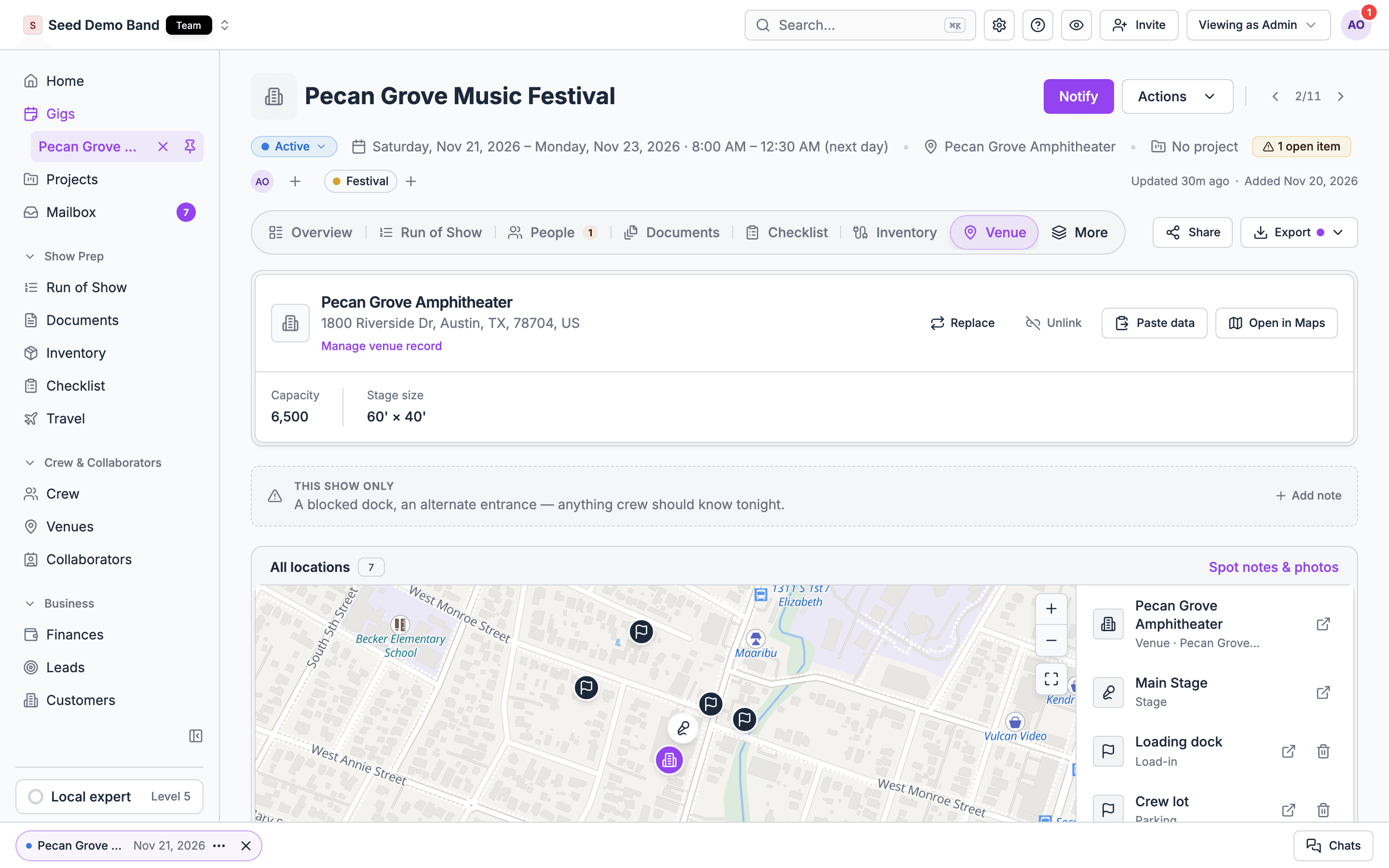
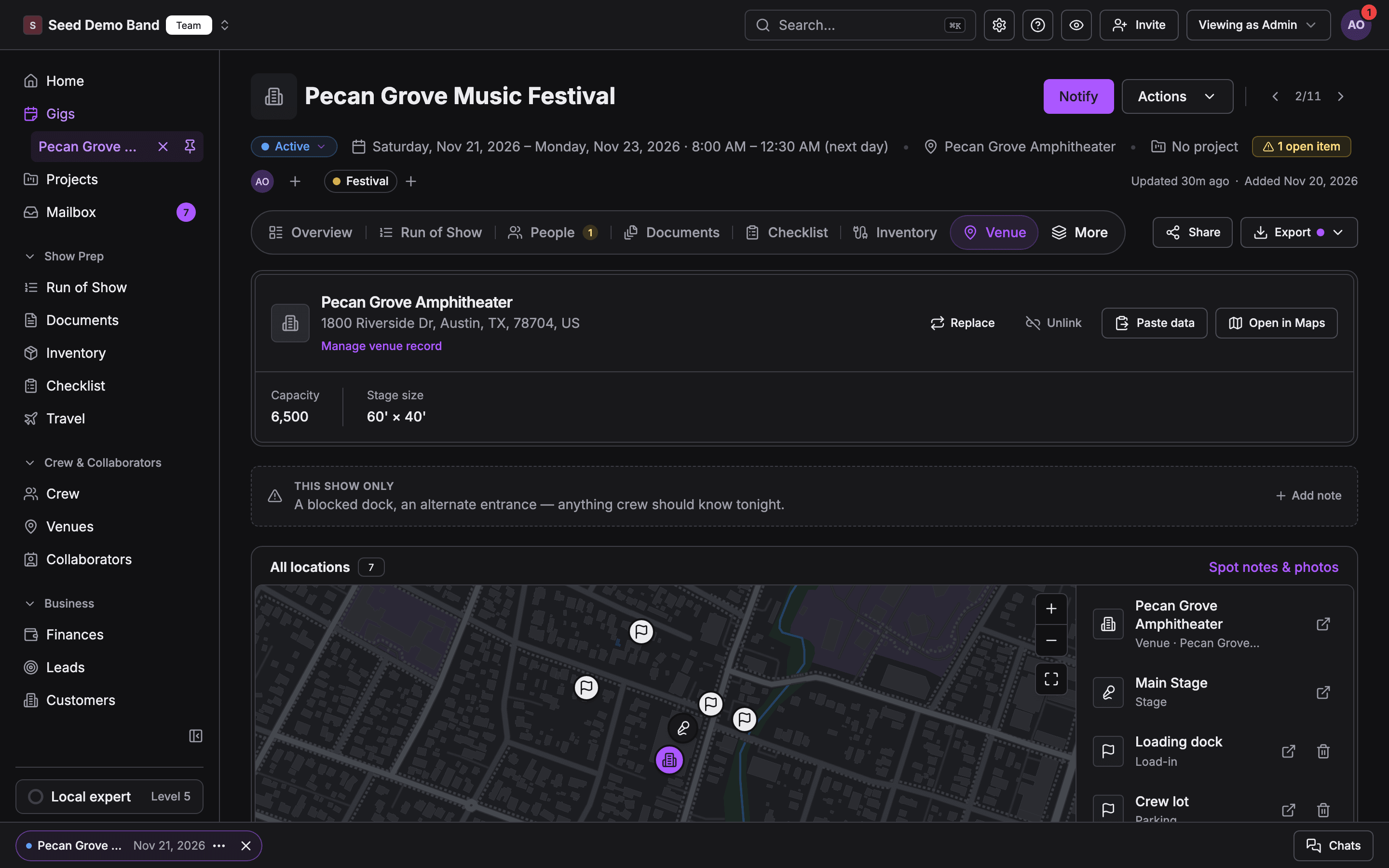
A gig's Venue tab with the linked venue, its facts strip, the This show only note and the All locations map of stages and key spotsA gig's Venue tab with the linked venue, its facts strip, the This show only note and the All locations map of stages and key spots
Asking whether Soundcheck can do something, rather than why it isn’t working? See the Venue FAQ. For a term you don’t recognize, see the Venue glossary.

Access

Cause: Venues needs Customers, venues and leads. Owners, admins, gig coordinators and Finance have it, and an owner or admin can grant it to a member.Fix: ask an owner or admin.
That’s by design. Crew on a gig read Load-in & access, show notes, site plans and the All locations map. The venue’s contacts, house tech, amenities and restrictions are for managers.Fix: put what crew need in Load-in & access or a This show only note. To give crew someone to call, add the person as a collaborator on the gig.
Cause: the gig is linked to a venue your organization hasn’t saved, so its record isn’t shown.Fix: add the venue to your venues, from the shared directory or with New venue.

Linking and per-show changes

Cause: per-show values and show notes don’t send a push. Only linking or replacing the venue on a published gig does.Fix: tell the crew yourself. See Who gets told.
Cause: show notes and per-show values hold up to 500 characters.Fix: keep the note short and put longer instructions in a file on the gig’s Documents tab.
Cause: a different place holds the value. A per-show value wins over a show note that points at the same field, and both win over the venue default.Fix: check the field for a This show badge and the show notes for one that overrides it. Remove the one that’s out of date.
Cause: a separate show note still points at that field. Clearing a value doesn’t delete notes.Fix: delete the outdated note under This show only.
Cause: per-show changes stay on one gig.Fix: change the default on the venue record. Then check upcoming gigs for old per-show values that now contradict it.
Cause: on the web, This show only notes are plain notes. Notes that point at a field are added in the mobile app.Fix: set the field’s value for this show under Load-in & access instead, or use the app’s Overrides a venue field (optional).

Stages

Cause: a stage with gigs booked on it can’t be deleted.Fix: choose Archive stage. It hides the stage from new bookings and keeps past gigs intact.
Cause: it shows only to people who can see the venue record, only when a venue is linked, and only when the venue or gig has stages.Fix: link the venue, and add stages on the venue record.
Cause: a gig’s stages all belong to one venue. Picking a stage at a different venue drops the earlier picks.Fix: link the right venue, then book its stages.
Cause: another gig is on the same stage on overlapping days.Fix: choose Book anyway for a turnover or an early and late show, or Go back and pick another stage.
Cause: pins need the venue’s address. The stage says “Add the venue address to place pins”.Fix: add the address on the venue record.
Cause: either the gig isn’t booked on that stage, or the file is marked admin-only.Fix: book the stage on the gig’s Venue tab, and check the file’s visibility.

Key spots and maps

Cause: marking spots needs Customers, venues and leads, a linked venue, and a gig that isn’t the sample gig or another organization’s.Fix: link the venue first. Or pin spots on the venue record’s Key spots tab.
Cause: there’s nothing to place. The map needs the venue’s location, a pinned stage or spot, or a crew hotel.Fix: add the venue’s address, or pin a stage or spot.
Cause: the map needs a connection.Fix: reconnect. If the map failed while you were online, tap Try the map again.
Cause: the app saves a gig’s load-in details and show notes for offline use, but not its key spots.Fix: open the Key spots card once while you’re online, and keep the app open. See Offline.
Cause: you’re offline. The app says “Editing is unavailable offline. Reconnect to make changes.”Fix: reconnect and add the note again.
Cause: they need an address the app can find on a map. They’re never offered for a key spot.Fix: give the venue a full street address.

Research and photos

Cause: your organization has used its 25 Fill from web runs for the day.Fix: try again tomorrow. Running it again on a venue researched in the last 24 hours shows the earlier results and doesn’t start a new run.
Cause: research needs the venue’s address or website to find it.Fix: add one on the venue record, then choose Fill from web again.
Cause: Research venue reads only the venue’s official website, and the address must start with https://.Fix: add or correct the Website under Contact on the venue record.
Cause: a city appears once the directory has at least three public places there.Fix: choose Research {city} in the picker. Your organization can request up to 10 cities a day.
Cause: only the Load-in map prints. The Stage plot pick doesn’t print on any document.Fix: upload the plot to the stage’s Site plans, so crew on gigs booked on that stage can open it.
Cause: only a PNG, JPEG or WEBP image of 5 MB or less prints as a picture. Other files print their file name, and larger images are left off.Fix: export the map as a PNG or JPEG under 5 MB and pick it as the Load-in map.

Holds

Cause: holds aren’t available in Soundcheck.Fix: pencil the date in as a draft gig booked on the stage. See Holds.

Venue FAQ

What Soundcheck does and doesn’t do for venues.

Venue glossary

Venue terms mapped to Soundcheck.

Venue

Start here.