Each answer names the usual cause and the fix. If none of these match, contact support.
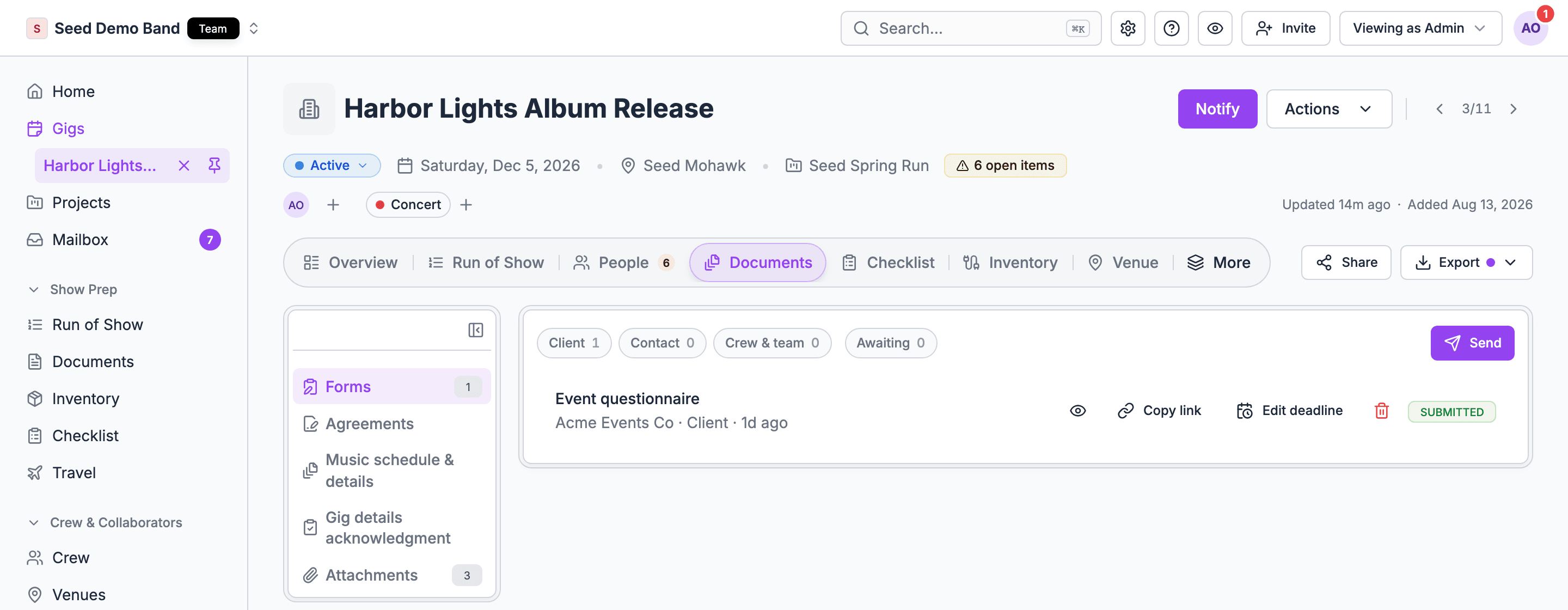
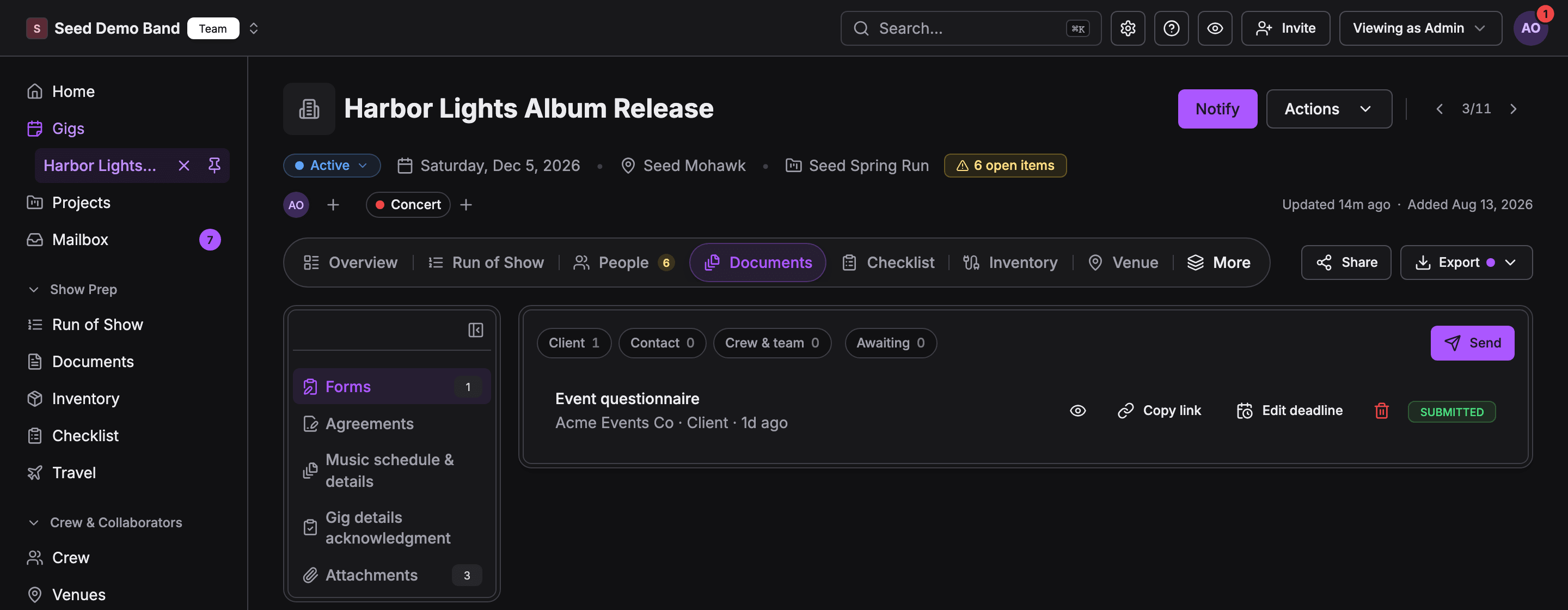
A gig's Documents tab with the kinds on the left and a submitted client questionnaire under FormsA gig's Documents tab with the kinds on the left and a submitted client questionnaire under Forms

The tab and its kinds

Cause: you can manage clients but not this gig, as with the Finance role. That view shows Forms and Agreements only.Fix: ask an owner or admin for gig management if you need the music schedule, acknowledgment or attachments here. See The Documents tab.
Cause: forms are in early access with the client portal and aren’t on for your organization yet. Or you can’t manage clients: forms need the Owner, Admin, Gig Coordinator or Finance role, or client access, even for someone who leads the gig.Fix: email info@soundchecklive.io to get early access, or ask an owner or admin for client access. See Portal forms.
Cause: crew see the tab when the gig has files, or when something on the gig was sent to them.Fix: attach the file to the gig, or send them the document.
Cause: a party or Awaiting chip is on.Fix: choose the chip again to turn it off, or clear the filters.

Sending

Cause: the gig is a draft, a template, or past or archived, or you can’t edit this gig.Fix: publish the gig first. Sending needs permission to manage the organization’s gigs. See Music schedule and details.
Cause: Soundcheck is still checking the terms for every recipient, or a template field can’t be filled for someone.Fix: wait for the check. If the dialog names a field in double braces, such as Contract price, add it to the gig or edit it out. If it names a person, untick them or take the field out.
Cause: your plan’s monthly agreement limit is reached: 5 on Starter, 25 on Pro, 100 on Team, no limit on Enterprise. Each recipient’s copy counts, and voided agreements still count.Fix: upgrade, or wait for the next calendar month. The month turns over at midnight UTC on the 1st.
Cause: they already have a live agreement, or they aren’t on the gig’s roster and have no shift.Fix: void the live one first if you need a replacement. Add them to the roster or a shift.
Cause: the PDF is over 5 MB or 100 pages, encrypted, already signed, or has fill-in form fields.Fix: export a static, unencrypted PDF first.
Cause: the client has no contact who can open the form in their portal. They haven’t been invited, or they already use the portal with another organization. Or Email was unticked when you sent it.Fix: invite them to the portal, or use Copy link on the form’s row.
Cause: the plan shows Skipped with a reason, such as Declined the gig, On standby, No email or phone, Already listed or Client portal is off.Fix: fix the reason, such as adding an email, or add them under Also send to.
Cause: someone changed the gig while the dialog was open.Fix: check the updated list, then send again.

Responses and reminders

Cause: each crew member can be reminded once per music schedule version.Fix: send a new version if something changed, or reach them directly.
Cause: Treat no answer as approved applies to client approvals in the portal only.Fix: remind them, or ask them to confirm.
Cause: the deadline passed, or the gig is over when there’s no deadline.Fix: choose Edit deadline on the form’s row to change Editable until, or send the form again.
Cause: agreement reminders go to client contacts only. Crew recipients aren’t emailed.Fix: choose Copy signing link and send it to them yourself. They can also sign from the Inbox in the mobile app.
Cause: the PDFs for that version are still printing, or they failed. Reminders are refused until the version is Ready.Fix: wait and try again. If the history shows PDFs failed, send a new version.
Cause: Confirm by is shown to clients only. Crew emails, texts and the app don’t show it.Fix: put the date in Message (optional) or in a Note for this person.
Cause: clients get a shorter approval email with the PDF and a portal link. It doesn’t carry your message, notes or the list of changes.Fix: email the client yourself with what changed.
Cause: a change marks their acknowledgment Details changed, but doesn’t ask again on its own.Fix: open the acknowledgment panel and choose Send to crew.

Files

Cause: attachments are reference files. They never send a signature request.Fix: send it as an agreement with Upload a PDF. See Agreements and e-sign.
Cause: attachments don’t read records out of files, and Soundcheck doesn’t fill in a gig from an uploaded file today.Fix: enter the details on the gig. For flight, hotel and venue confirmations, forward the email instead. See Forwarded confirmations.
Cause: suggestions match by file name.Fix: rename the file to include the document type, such as Stage plot.pdf.
Cause: one of these:
  • Uploading needs permission to edit the gig and manage the organization’s gigs.
  • The app takes files of up to 50 MB. The web takes up to 100 MB.
  • The upload screen stops at 15 files on a gig.
  • The file type isn’t one the app accepts: PDF, Word, Excel, PNG, JPEG, GIF, MP4, MOV, MP3, WAV or TXT.
Fix: ask a manager, upload a large file from the web, convert the file to PDF, or remove a file you no longer need.
Cause: the email had an attachment that isn’t a PDF, CSV, JPEG, PNG or WebP, was over 25 MB or had more than 20 attachments, or your organization forwarded more than 100 emails in the last 24 hours.Fix: forward it again without the other attachments, or save them as PDF first. See Forwarded confirmations.
Cause: approving writes the contract’s details to a gig note. Forwarded attachments aren’t saved to the gig.Fix: upload the PDF under Attachments, or send it as an agreement.

Mobile

Cause: the agreement is a form with extra steps, a PDF to review without placed fields, or isn’t ready to sign yet.Fix: choose Open on the web and sign there. See Documents on mobile.
Cause: it isn’t in the Inbox. The Music schedule & details card is under Assets on the gig, and shows only on gigs whose organization uses Run of Show.Fix: open the gig and choose Assets, or open the link in the email or text.
Cause: the details changed while you were reading, or your connection dropped. Both show the same message.Fix: reopen Review your gig details with a connection and acknowledge again.
Cause: Documents isn’t saved for offline use.Fix: open the files you need before you lose signal, and save your own copy with the share sheet.