

Questions this page answers
- What do seat, staff seat, owner, admin and role mean in Soundcheck?
- Can I white-label Soundcheck, use my own domain, or rename “gig”?
- What are SPF, DKIM and DMARC, and does Soundcheck handle them?
- What’s the difference between a calendar feed and two-way sync?
- What is an MCP connector?
- Does Soundcheck have SSO, SAML, SCIM or two-factor sign-in?
- Who do I ask about SOC 2, GDPR, a DPA or a security questionnaire?
- How long does Soundcheck keep data, and how do I export it?
Organization and branding
| Term | Meaning | In Soundcheck |
|---|---|---|
| Workspace / organization | The company’s own account in a tool, holding its gigs, people, settings and documents. | Your organization. Switch between organizations from the workspace switcher. Set it up on Settings → Organization → General. See Organization setup. |
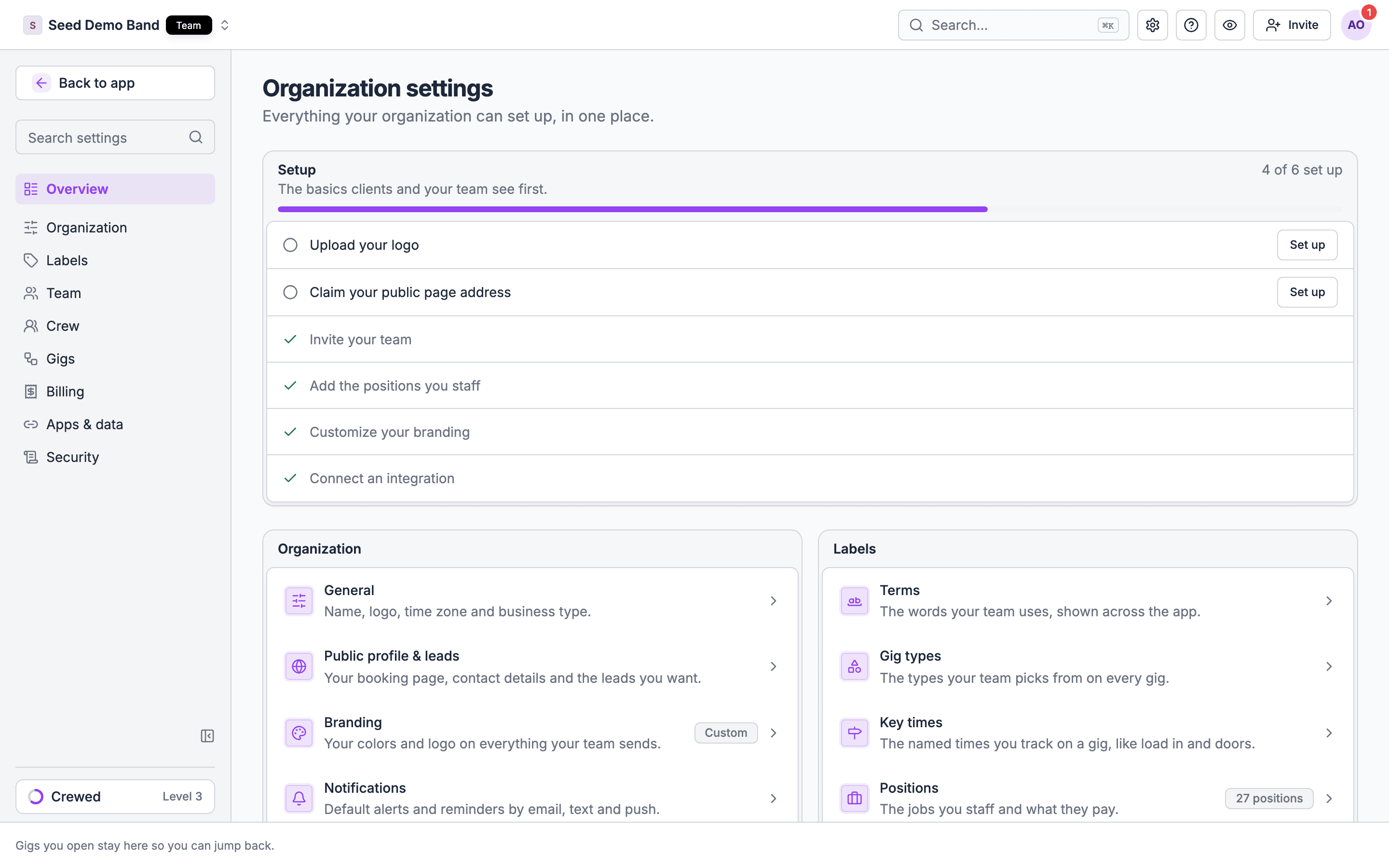
| White-label | Removing the vendor’s name and logo so clients see only the company’s brand. | Settings → Organization → Branding sets your brand name, light and dark logos and colors on the workspace, client portal, live pages, call sheets and gig documents, on every plan. Signed agreement PDFs still use Soundcheck branding. |
| Custom domain | The company’s own web address, such as portal.example.com, used for client-facing links. | No equivalent. Your public page lives at a Soundcheck address; to set or change it, contact support. |
| Sending domain | The domain emails are sent from; it must be verified for mail to arrive reliably. | Settings → Organization → Email (early access, Pro and up). One sending domain per organization. See Email sending domains. |
| SPF | A DNS record that lists which servers may send mail for a domain. | Soundcheck gives you the DNS records to add when you verify a sending domain. See Email sending domains. |
| DKIM | A DNS-published key that lets receiving servers check an email was signed by the domain. | Two of the CNAME records Soundcheck shows for a sending domain are DKIM records. |
| DMARC | A DNS policy that tells receiving servers what to do with mail that fails SPF or DKIM. | Set by you at your domain host. Soundcheck doesn’t manage it. |
| DNS record | A setting at the domain host that points a domain at a service or proves ownership. | You add the records Soundcheck shows on the Email page, then check the domain again. |
| Custom field | A field a company adds to store data the product doesn’t track by default. | Crew fields on Settings → Labels → Departments → Crew records (text, number, date, yes/no or choice, with optional expiry). People can also add Profile details to their own profile. See Crew records. |
| Terminology / labels | The words a product shows (gig, show, booking), which some tools let a company rename. | Your Business type sets the words, such as Event for venues. Settings → Labels → Terms renames only the word for a group of gigs (Project, Tour or Series). Other words can’t be renamed. |
| Tag | A free label attached to a record so it can be filtered or grouped. | Settings → Labels → Tags, for gigs, tasks, inventory, run of show items and collaborators. Archive or merge; there is no hard delete. |
| Department | A group of positions and people, such as Audio or Lighting, staffed and costed together. | Settings → Labels → Departments (early access). Editing departments needs Team. Positions, crew records and onboarding are shared by every department for now. |
| Position | A job on a gig (A1, LD, stagehand) with its own rate, skills and rules. | Settings → Labels → Departments → Positions, each with a short code and a default day rate. See Positions. |
| Bill rate | What the client is charged for a position per hour or call. | Not tracked per position. Bill the client through invoices. |
| Pay rate | What the crew member is paid for a position. | A member’s own rate per position, or the fee on each shift. A position’s Default day rate is a reference only and never sets pay. |
| Minimum call | The minimum hours paid for a call, even if the work is shorter. | Not applied to crew pay. See Overtime and union rules. |
| Event type | A category of gig (wedding, corporate, concert) that carries default templates and settings. | Settings → Labels → Gigs → Gig types. Each gig has one. Types don’t carry their own workflow defaults. |
| Hold / pencil | A tentative reservation of a date before a contract. | No ranked venue holds. Use a draft gig. Crew can mark Hold or Paid hold on their availability. See Holds. |
| First hold / second hold | Ranked holds on the same date; a second hold is released if the first confirms. | No equivalent. Note the order in each draft gig. |
| Lead / inquiry | A potential booking that hasn’t been confirmed. | A lead in the lead pipeline, on Team and Enterprise. |
| Lead form | A web form that captures inquiries and creates a lead. | Your public booking page’s Book me and Request a quote forms. See Lead intake. |
| EPK | Electronic press kit: an artist’s online page of bio, media and booking details. | Closest is your public booking page, set on Settings → Organization → Public profile & leads. It isn’t a full press kit. |
| Client portal | A branded page where a client views proposals, signs and pays. | The client portal, on Team and Enterprise. |
| Quiet hours | A window when non-urgent notifications are held back. | No equivalent, for the organization or a person. Turn channels off in your own notification settings instead. |
| Workflow / pipeline stages | The ordered statuses a gig passes through from inquiry to settlement. | Fixed gig states: Draft, Active, Completed, Settled, Cancelled, Archived. You can’t add custom stages. See Event lifecycle. |
| Automation | A rule that performs a step on its own, such as sending an invoice when a contract is signed. | Automatic checklist tasks and reminders. No rule builder. See Automatic tasks. |
| Settlement | The final reconciliation of money owed after a show. | Show settlement and close-out. Enforce close-out gates on the Gig workflow page locks settle until blocking steps are done. |
Team, roles and union
| Term | Meaning | In Soundcheck |
|---|---|---|
| Seat | A paid user license; who counts varies by vendor. | A member seat: every active member and pending invitation counts. Starter 5, Pro 25, Team 100, Enterprise custom. See Seat limits. |
| Owner | The account holder with full rights, including billing and deleting the company. | The Owner role. Only the owner manages billing and deletes the organization. Nobody can be given the Owner role. |
| Admin | A user who manages settings and people but may not control billing or ownership. | The Admin role: edits organization settings and manages members. Admins can’t open Billing or delete the organization. |
| Role | A named set of permissions given to a person. | Five fixed roles: Owner, Admin, Finance, Gig Coordinator (early access) and Member. See Roles and permissions. |
| Permission | A single right, such as viewing rates or sending invoices. | Each role has a fixed set. Extra access for one person goes through Manage access… on the Staff page. |
| Permission matrix | A table of every role against every permission. | Published in Roles and permissions. You can’t edit it or create custom roles. |
| Security group | Flex’s term for a role that groups permissions. | A role. No custom groups. |
| Power user | Rentman’s term for a full-rights, licensed user. | An Owner or Admin, who take staff seats. |
| Freelancer / day-hire | Crew engaged per gig rather than employed. | A Member, staffed with shifts and offers. No worker-type setting; add one as a crew field. |
| Crew chief | The lead on site for a crew or department, often with extra rights on that gig. | Mark them Lead / contact for the unit on their shift. See Permissions and privacy. |
| Department head | The person who staffs and runs one department. | A department’s Lead (early access). It gives no extra access. |
| Guest / external user | Someone outside the company, such as a client or venue contact, with limited access. | Client portal contacts, collaborators on a shared gig, and guests on a gig’s guest list. None takes a member seat. |
| Collaborator / partner company | Another company working on the same gig. | A collaborator on a shared gig. |
| Subcontractor | A company supplying crew or services under another company’s gig. | A collaborator on the gig, or an organization that shares its people with you through Crew sharing. |
| Labor agency | A business that supplies crew to production companies and venues. | Its own organization, sharing people through Settings → Team → Crew sharing. See Crew records. |
| Crew marketplace | A pool of crew outside a company’s own list, used to fill gaps. | No marketplace. Crew sharing connects you with a specific partner’s people. |
| Union local | A regional branch of a union, such as an IATSE local. | A field on the gig’s labor call. See House, local and touring crew. |
| IATSE | International Alliance of Theatrical Stage Employees, the main US and Canadian stagehand union. | Record membership in a crew field, such as Union card number. |
| Hiring hall / dispatch | The local’s office that sends members to calls. | No equivalent. |
| Referral list | The local’s ordered list of members and permittees eligible for calls. | No equivalent. A call list orders your own people. |
| Seniority | The order in which a local offers work, usually by membership or hours. | No equivalent. |
| Steward | The union’s representative on the job. | A field on the gig’s labor call. |
| Permittee | A non-member allowed to work union calls under a permit. | No equivalent. Use a crew field. |
| Yellow card | An IATSE touring show’s card listing the local crew positions it needs. | Enter it as the gig’s labor call. See House, local and touring crew. |
| Pink contract | An IATSE contract for touring crew covering wages and benefits. | No equivalent. |
| Meal penalty | Extra pay owed when a meal break is late. | Not applied to crew pay. The time clock records meal breaks. |
| Turnaround | The required rest between one call’s end and the next start. | Not tracked or warned on. |
| Pension and welfare (P&W) | Union fund contributions an employer pays on top of wages. | No equivalent. Handle it in payroll. |
| Labor agreement | The rules and rates agreed with a union or labor supplier. | No equivalent. See Overtime and union rules. |
| Offboarding | Removing a leaver’s access and reassigning their work. | Remove them on the Staff page, which also takes them off their gigs. Revoke any links they handed out on Settings → Security → Shared links. |
| View as | A mode that shows the product as another role sees it. | View as Staff or Member switches your own view. You can’t view as another role. See Roles and permissions. |
Billing and plans
| Term | Meaning | In Soundcheck |
|---|---|---|
| Plan / tier | A priced package of features and limits. | Starter, Pro, Team and Enterprise. See Subscription plans. |
| Add-on | A feature sold separately from the base plan. | No add-ons. Features come with the plan. |
| Proration | Charging or crediting part of a period when a plan changes mid-cycle. | Handled by Stripe in the customer portal, which shows the amount before you confirm. |
| Trial | A free period to use the product before paying. | 14 days on Starter, Pro and Team, with no card needed. With no card on file, the subscription is cancelled at the end, not charged. |
| Downgrade | Moving to a cheaper plan with fewer features. | Manage Subscription on Settings → Billing → Plan opens the Stripe customer portal. Your data stays. |
Integrations and data
| Term | Meaning | In Soundcheck |
|---|---|---|
| Chart of accounts | The list of accounts a business uses in its bookkeeping. | Read from QuickBooks Online when you connect it, so you can pick where payouts, invoices and expenses land. See QuickBooks. |
| Two-way sync | Changes on either side update the other. | Only the HubSpot ↔ Flex pipeline is two-way. QuickBooks and calendars are one way out. See the integrations reference. |
| iCal / ICS feed | A calendar subscription link that phones and calendar apps read. | Your personal calendar feed on My schedule, on every plan. |
| API | A documented way for other software to read and write a tool’s data. | No public API keys. Use an AI connector (MCP), which signs in as you. |
| Webhook | A message a tool sends to another system when something changes. | No outbound webhooks. |
| Zapier / Make / n8n | No-code automation services that connect apps. | No Zapier or Make app. The HubSpot ↔ Flex pipeline and n8n CRM sync run through n8n, set up with the Soundcheck team. |
| MCP connector | A Model Context Protocol connection that lets an AI assistant use a tool’s data and actions. | Connect Claude, ChatGPT, Cursor or Claude Code on Team and Enterprise. See Connect your AI. |
| Data export | Downloading the company’s data in a usable format. | Download workspace on Settings → Apps & data → Import & export (Team and up), plus the audit log export. See Workspace export. |
Security, privacy and compliance
| Term | Meaning | In Soundcheck |
|---|---|---|
| SSO | Single sign-on: signing in through the company’s identity provider. | Not a self-serve setting. Contact info@soundchecklive.io to talk about single sign-on. People can sign in with Google or Apple. |
| SAML | A standard used for enterprise SSO. | Contact us, as for SSO. |
| Identity provider (IdP) | The service that holds company logins, such as Okta, Google Workspace or Microsoft Entra ID. | No IdP connection in Settings. Contact us. |
| SCIM | A standard for creating and removing users automatically from the company directory. | No equivalent. Invite and remove people on the Staff page. |
| 2FA / MFA | A second proof of identity at sign-in. | No two-factor setting in Soundcheck. Ask info@soundchecklive.io about sign-in requirements for your team. |
| Audit log | A record of who did what and when. | Settings → Security → Audit log, kept 7 years, with CSV or JSONL export for owners. See Audit log. |
| SOC 2 Type II | An independent audit report on a vendor’s security controls over time. | Ask info@soundchecklive.io. |
| Security questionnaire | A client’s list of security questions a vendor answers (SIG, CAIQ). | Send it to info@soundchecklive.io. |
| Penetration test | A commissioned attempt to break into a system to find weaknesses. | Ask info@soundchecklive.io. |
| GDPR | The EU and UK data protection law. | Ask info@soundchecklive.io about your obligations and ours. |
| Controller | The business that decides why and how personal data is used. | Ask us how roles apply to your account. |
| Processor | A vendor that handles personal data on the controller’s instructions. | Ask us how roles apply to your account. |
| DPA | Data processing agreement between controller and processor. | Request one from info@soundchecklive.io. |
| Subprocessor | A vendor the processor uses, such as a cloud host or SMS provider. | Ask us for the current list. |
| CCPA / CPRA | California’s privacy laws giving residents rights over their personal data. | Ask info@soundchecklive.io. |
| Data subject request (DSAR) | A person’s request to see, correct or delete their data. | People edit their own profile and can delete their account in the mobile app. There is no personal data download; send other requests to info@soundchecklive.io. |
| Right to erasure | The GDPR right to have personal data deleted. | Delete Account in the mobile app deletes a person’s account immediately. Deleting an organization takes 30 days. |
| Data retention | How long data is kept before it is deleted. | Deleted gigs and organizations have a 30-day grace period. Audit log entries are kept 7 years. Retention isn’t configurable. |
| Data residency | The country or region where data is stored. | Ask info@soundchecklive.io. |
| Encryption at rest / in transit | Protecting stored data and data moving over the network. | Ask info@soundchecklive.io. |
| Uptime / SLA | The share of time a service is available, and the vendor’s promise about it. | Ask about an SLA when you talk to us about Enterprise. |
| Status page | A public page showing outages and incidents. | Ask info@soundchecklive.io. |
| WCAG | Web Content Accessibility Guidelines. | Ask info@soundchecklive.io. |
| Dark mode | A dark color theme for the interface. | Appearance: light, dark or system, on web and mobile, plus color themes on the web. See Your settings. |
Soundcheck’s own settings terms
| Term | Meaning |
|---|---|
| Business type | Talent, Production or Venue, set on General. It sets the words, sidebar order and home page for the whole team. It never grants or removes access. |
| Staff seat | A seat for anyone with a role other than Member, the Owner included. Starter 1, Pro 3, Team 5, Enterprise custom. |
| No plan | An organization with no subscription or a lapsed one. It keeps Starter’s features and 5 members, with no staff seat. |
| Complimentary | A plan Soundcheck gives an organization without a subscription. Billing shows the end date, if any. |
| Manage Subscription | The button on Settings → Billing → Plan that opens the Stripe customer portal: plan changes, card, cancellation and invoices. |
| Payout funding | The bank account or card that funds crew payouts, on Settings → Billing → Payments. Separate from the card that pays for your plan. |
| Connected integration | One connection on Settings → Apps & data → Integrations. Starter includes 1, Pro 3, Team 10 and Enterprise has no cap. |
| Notification defaults | The organization’s starting push, email and SMS choices for each kind of message. Each person can override them. |
| Close-out gates | Enforce close-out gates on Gig workflow: blocking checklist steps lock settle and archive. |
| Run of show publishing | Publish before crew see changes on Gig workflow: crew see a run of show once it’s published. |
| Upgrades | One-way changes on Gig workflow, such as Switch to Run of Show. They can’t be undone. |
| Crew sharing | Sharing your people with another organization. Shared people take a seat there. |
| Crew records | What you keep on file for each person, with fields you define and choose whether to share. |
| Import & export | Settings → Apps & data → Import & export: spreadsheet imports, Migrate from another system, and Download workspace. |
| Soundcheck file | One file holding a whole workspace (UEF 2.0), which you can import again. |
| Knowledge base | How your business works, written down for your AI agents (early access). |
| Shared links | Settings → Security → Shared links: every link that opens something without signing in, with when it was last opened. Revoke one to stop it working. |
| System activity | Automated changes in the audit log, as opposed to changes people made. |
| Danger zone | The part of General where the owner schedules the organization’s deletion, 30 days out. |
| Forwarding address | Your address for forwarding travel, hotel and venue confirmations into Soundcheck for review. |
| Calendar sync | The card on My schedule for your calendar feed link and the Google Calendar connection. |
| Outside events | Busy time from outside Soundcheck that every organization sees as busy, without details. |
| Career record | Your gigs worked across every organization, private until you share it. See Career record. |
| Onboarding flow | A member onboarding path built from form, document and file-upload steps, set up under Settings → Labels → Departments → Onboarding. New members complete it, and admins review completed runs as Onboarding Submissions. See Onboarding flows. |
| Booking page | A public page for your organization where potential clients learn about your services and send an inquiry. See Booking page. |
| Universal Event Format (UEF) | The JSON shape that imported data is turned into before it reaches Soundcheck. Imports, partner sync feeds and AI file ingestion all produce it, so they share how records are written and matched. See the UEF reference. |
| Addressable channel | An email address or phone number on a person. An invitation needs at least one, so an import skips member rows that have neither. |
| Toolsets (MCP) | Named groups of MCP tools, such as core, events, staffing or all, that an AI client can ask for to narrow which Soundcheck tools it sees. See Connect your AI to Soundcheck. |
| Billing cycle | How often your subscription is charged: monthly or annually. Annual billing gives you 2 months free. |
| Profile | Your personal details in Soundcheck: name, photo, contact info and the positions you can fill. See Your profile. |
| Notification | An alert about an invitation, a response or a schedule change, in the app, by email, by text or as a push notification on your phone. Each person picks their own in Notifications. |
Worked example: a wedding band answering a client’s IT checklist
A wedding and corporate band with an agency arm is on the Team plan. A corporate client sends a vendor checklist: SSO, SCIM, 2FA, a DPA, data retention, export and audit trail. The band’s owner works through it with this page:- SSO, SAML, SCIM, 2FA: none are self-serve settings, so she emails info@soundchecklive.io with the client’s requirements before she signs.
- DPA and subprocessors: she requests both from info@soundchecklive.io.
- Audit trail: Settings → Security → Audit log, kept 7 years. She exports last quarter as CSV to attach.
- Data export: Download workspace gives a zip she can keep or import again.
- Retention: deleted gigs have a 30-day grace period.
- Offboarding: when a sub leaves, she removes him on the Staff page and revokes the links he shared on Shared links.
Related
Settings reference
Every settings page, what it does and who can change it.
Integrations reference
How each integration connects, what syncs and which plan includes it.
Account FAQ
Billing, integrations, security and personal settings questions.
Staffing glossary
Crew, call, pay and union terms.