

Questions this page answers
- Which tools does Soundcheck integrate with?
- Is the QuickBooks sync one-way or two-way? What does it send?
- Does Soundcheck sync with HubSpot or Flex Rental Solutions?
- Which plan do I need for integrations, and how many can I connect?
- Who in my organization can connect or disconnect an integration?
- Can I connect integrations from the mobile app?
- Does my calendar update both ways?
- Can I connect Claude, ChatGPT or Cursor to Soundcheck, and what can they change?
- Does Soundcheck work with Xero, Zapier, DocuSign, Microsoft Teams or payroll tools?
- Is there an API or outbound webhooks?
At a glance
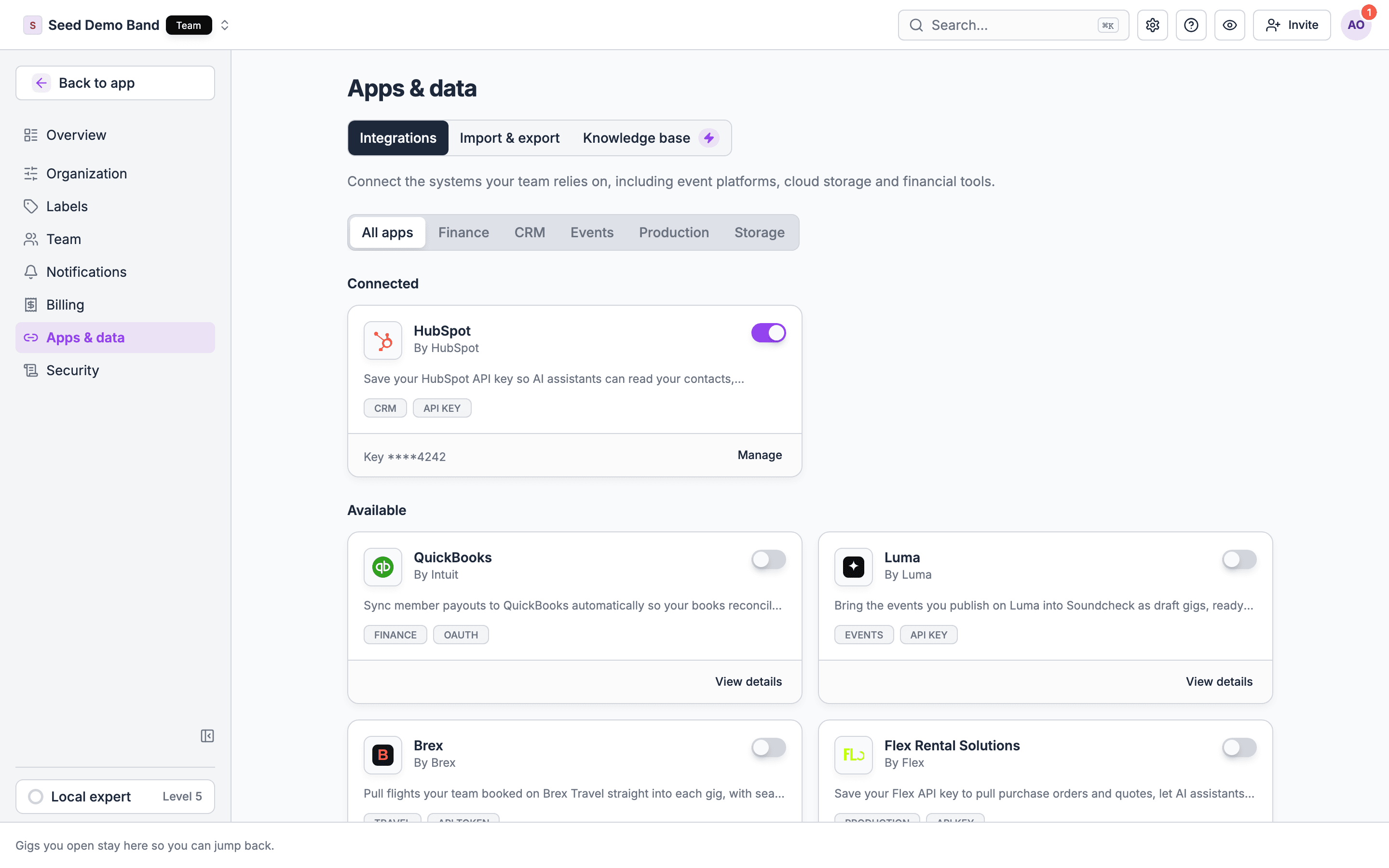
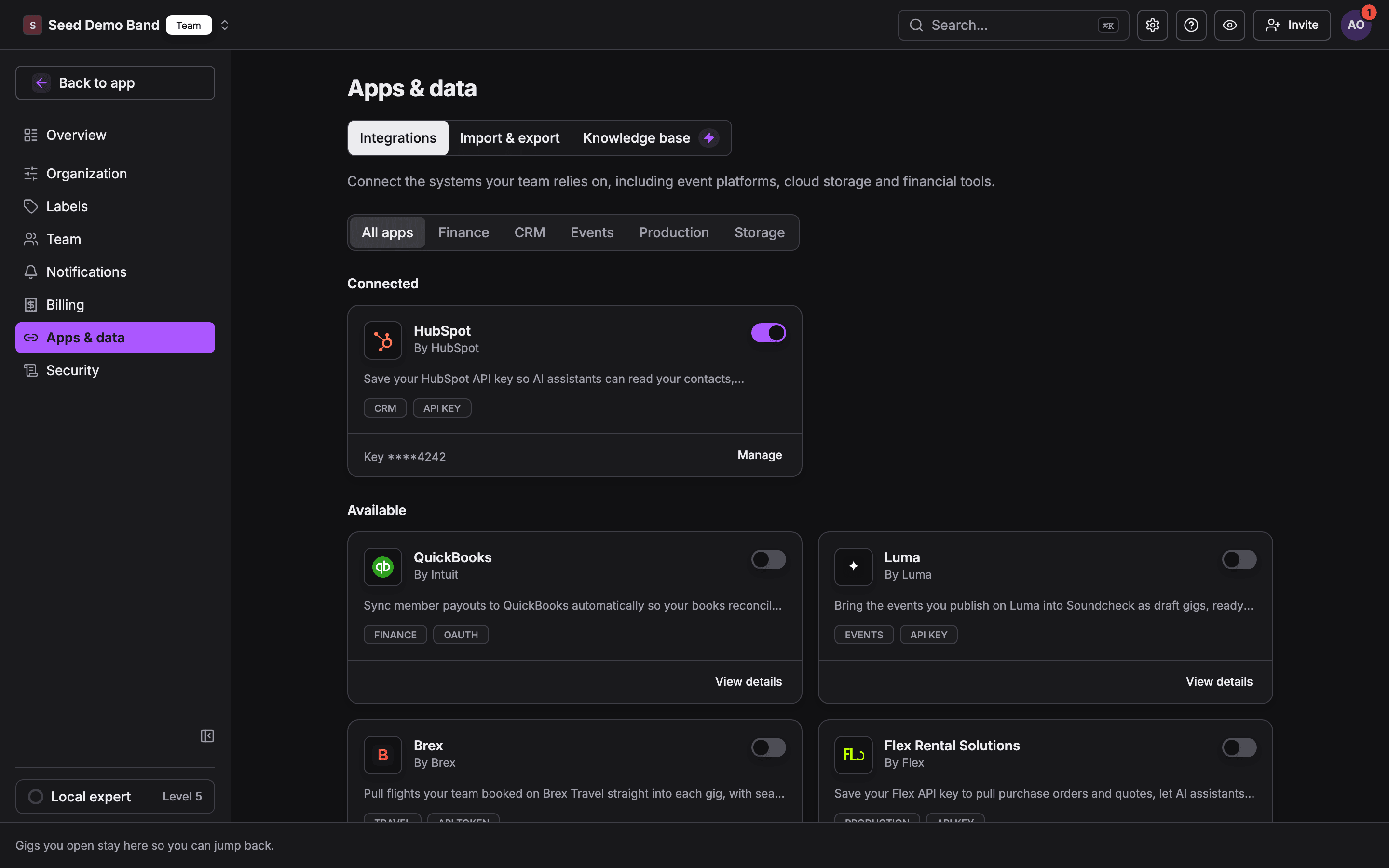
Connected integrations count toward your plan. Starter includes 1 connected integration, Pro 3, Team 10, and Enterprise has no cap. Each of these counts as one: QuickBooks, Slack, Google Drive, Dropbox, HubSpot, Flex, Luma and Brex. Reconnecting one you already have doesn’t use another. Calendar connections and AI connectors are personal and don’t count. At the cap, Soundcheck says, for example on Pro: “Your plan includes 3 connected integrations. Disconnect one or upgrade your plan to connect more.” See Subscription plans.
QuickBooks Online
Full guide: QuickBooks.
Slack
Early access: Slack is rolling out gradually. Contact info@soundchecklive.io if you’d like it turned on for your organization.
Full guide: Slack.
Luma
Full guide: Luma.
Brex Travel
Full guide: Import flights from Brex Travel.
HubSpot
Flex Rental Solutions
HubSpot ↔ Flex pipeline
Full guide: HubSpot ↔ Flex pipeline.
Google Drive and Dropbox
Not generally available: Google Drive and Dropbox aren’t switched on for every organization yet. When they aren’t, the card says Not available yet. Contact info@soundchecklive.io to ask about using them.
Full guide: Google Drive & Dropbox.
Google Calendar (personal)
Full guide: Calendar feed subscription.
Calendar feed (ICS)
Full guide: Calendar feed subscription.
AI connectors (MCP)
Full guides: Connect your AI (MCP), Claude, ChatGPT, Cursor, Claude Code.
Worked example: an AV production company
A 20-person AV company on the Team plan books corporate shows and pays freelance crew. Here’s how it wires Soundcheck in.1
Pick three organization integrations
The owner connects QuickBooks, so every crew payout lands as a bill with its payment, and every client invoice lands as an invoice. She adds Brex because the team books flights there, and Flex Rental Solutions so the office can ask Claude about a quote. That’s 3 of the Team plan’s 10 connected integrations.
2
Connect each person's calendar
The freelance crew each open My schedule → Calendar sync. The ones on Google choose Connect Google Calendar. The ones on Outlook or iPhone copy the subscription link instead.
3
Connect Claude
The owner and her production manager, who is an admin, add Soundcheck to Claude. The production manager asks, “Who still needs a flight for the Hyatt keynote?” and “What’s on Flex quote 4412?” The owner asks about last month’s QuickBooks bills. Reading Flex and QuickBooks data this way is for owners and admins only, so the crew’s own assistants don’t see it.
4
Work around what isn't there
They also use HubSpot. Since a HubSpot card would be a fourth integration, they move their HubSpot clients across once with a spreadsheet import instead.
Not available
Soundcheck doesn’t have these integrations today. Each has a workaround.Related
Integrations overview
Every integration guide in one list.
Settings glossary
Two-way sync, ICS, MCP, SSO and the other settings terms, defined.
Settings reference
Every settings page, what it does and who can change it.
Subscription plans
What each plan includes, with its limits.