

The HubSpot ↔ Flex pipeline is part of Sync Engine on the Enterprise plan. Soundcheck sets it up with you for each organization through n8n. To get started, email info@soundchecklive.io.
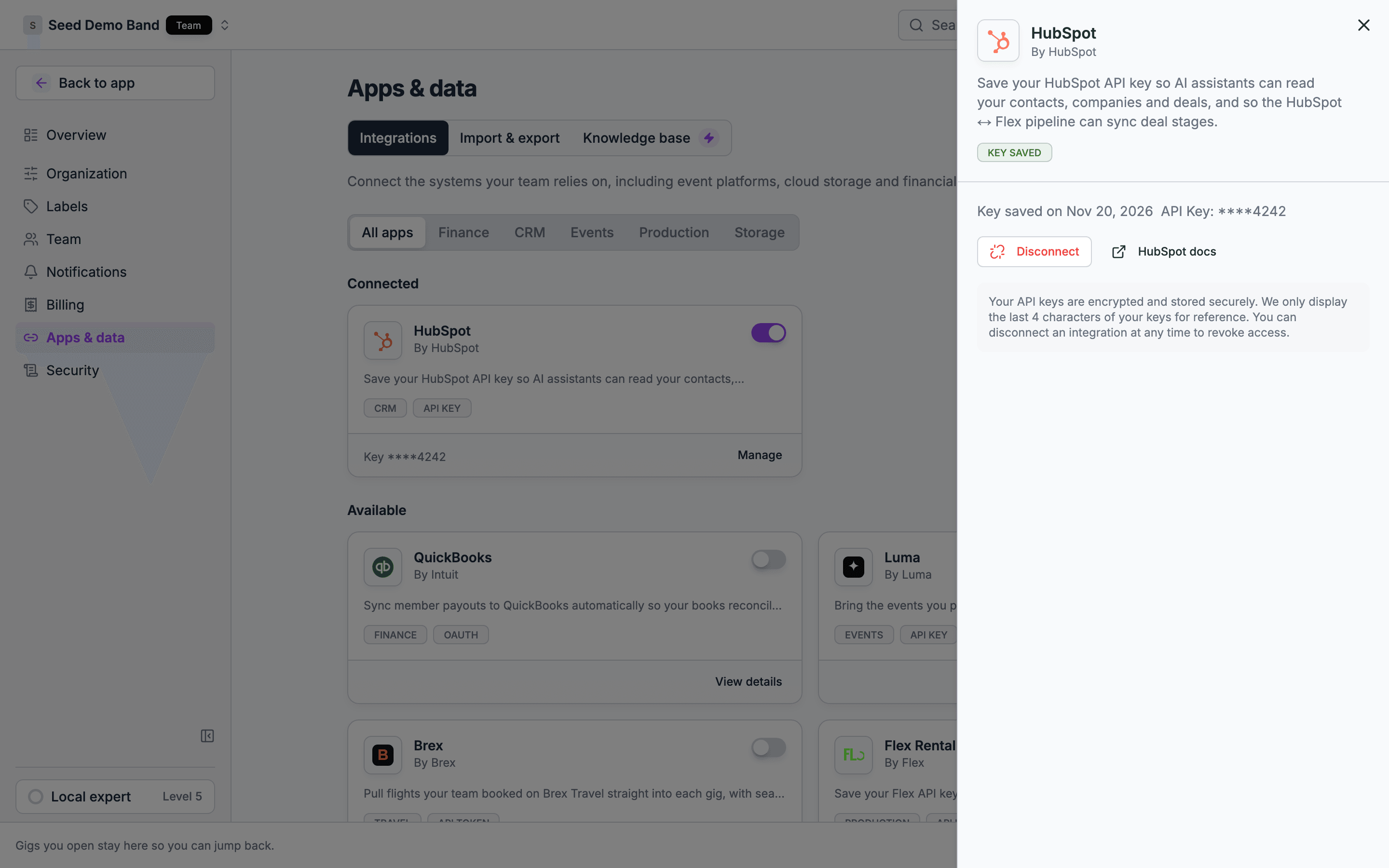
Connect HubSpot and Flex
An owner or admin can save a HubSpot or Flex key in Settings → Apps & data → Integrations:- Click the HubSpot or Flex Rental Solutions card.
- Enter your API Key. For Flex, also enter your account subdomain as Account ID (for example,
mapacheinmapache.flexrentalsolutions.com). Without it, AI assistants can’t read your Flex data. HubSpot Portal ID is optional. - Click Save Connection.
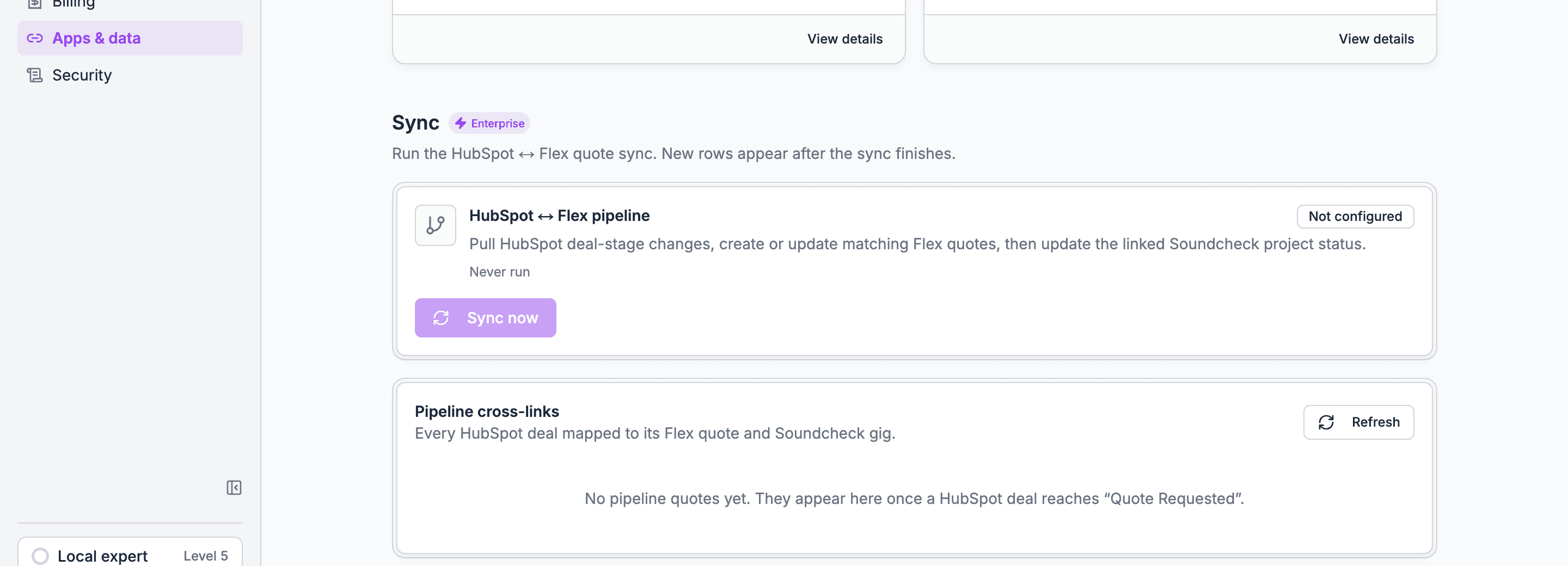
- The card shows the last run time, its status, and the last error, if there was one.
- Click Sync now to run the sync on demand. The button stays off until the pipeline is configured for your organization.
- The Pipeline cross-links table lists each matched HubSpot deal and Flex quote, with its status, amount, and show start. New rows appear after the sync finishes.
Status mapping
Soundcheck sets the gig’s status from the HubSpot deal stage. For one stage, the Flex quote status decides.
Lead and discovery stages leave the gig’s status as it is. Postponed and backlog also leave it alone, because the job is expected back. When a synced quote has no linked gig yet, Soundcheck creates one. See the event lifecycle for how each status behaves.
Direction of flow
Inbound (CRM → Soundcheck)
n8n reads a deal-stage or quote-status change in HubSpot or Flex, normalizes it, and posts it to Soundcheck through a signed webhook. Soundcheck updates the quote and moves the gig’s status.
Outbound (Soundcheck → CRM)
After the show, you complete and settle the gig in Soundcheck. n8n runs the settlement workflow that carries the close back to Flex and HubSpot.
Why n8n owns the external calls
Keeping the pipeline in n8n puts integration logic (auth, rate limits, retries, field mapping) in one place you can change without touching Soundcheck. Soundcheck stays the system of record for the gig itself and trusts only signed requests for the right organization.Related
n8n CRM sync
The signed-webhook foundation this builds on.
Event lifecycle
How a gig’s status moves.
Closeout
Completed and settled, the back half of the map.