

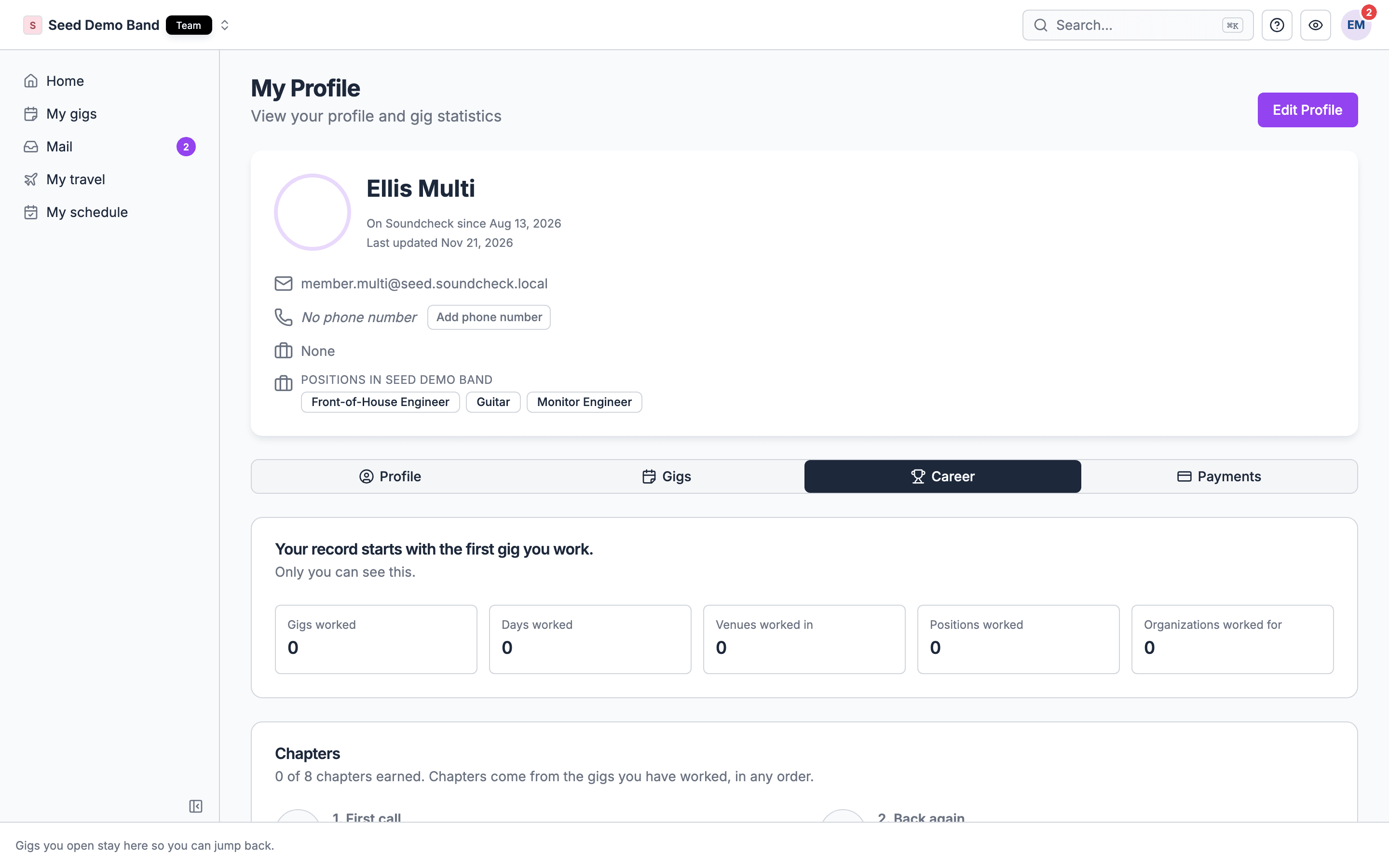
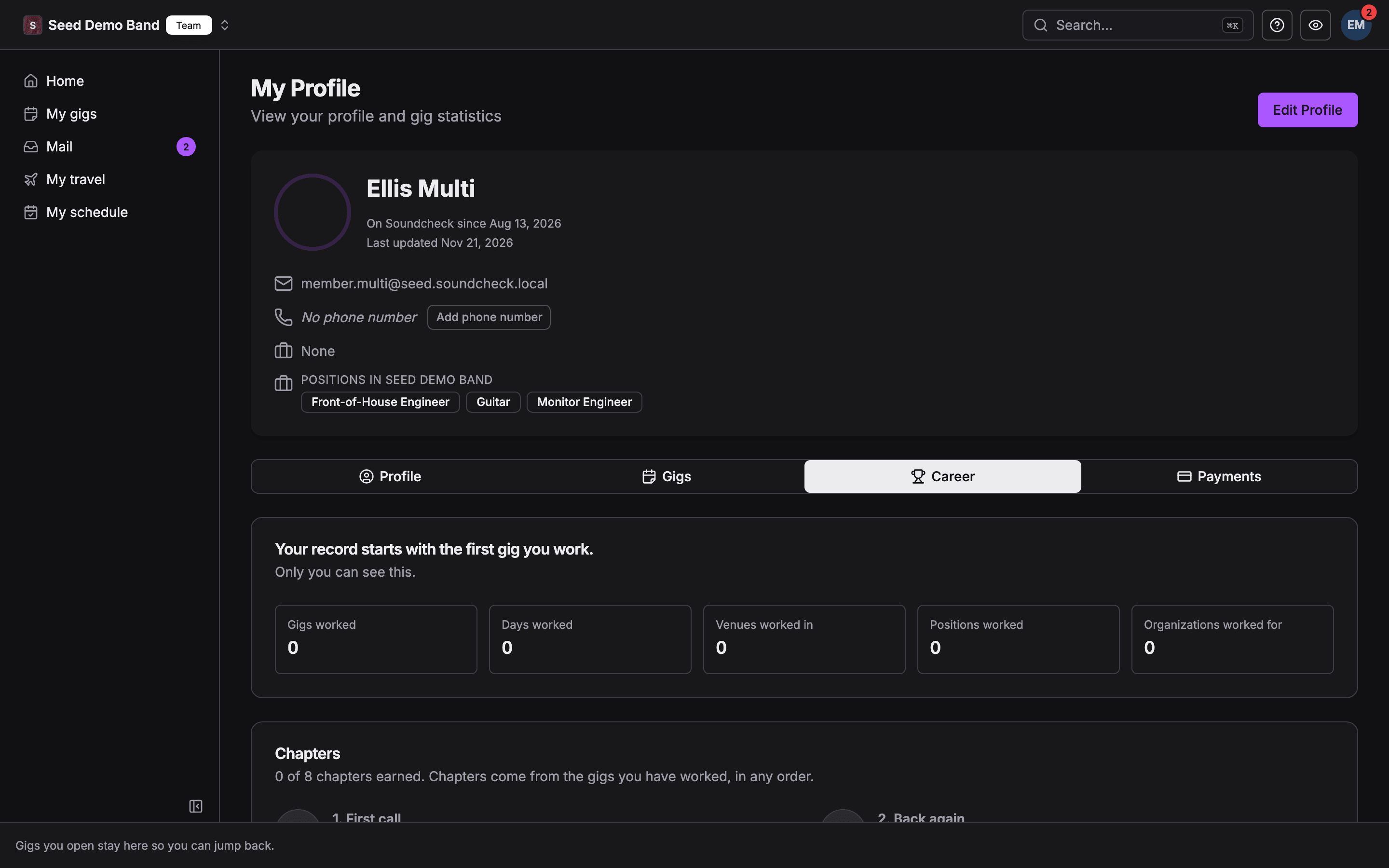
What counts as a gig worked
A gig counts when all of these are true:- You accepted a crew offer on it, and the offer was not cancelled.
- The gig has been played: its last day has passed, and it is not a draft, a template, a sample, cancelled or deleted.
- If the shift has days, you accepted at least one of them.
Your record starts when each organization began booking you through crew offers. Gigs you were added to in the older invitation flow are not counted.
What your record shows
Career chapters
Your record has one route of eight chapters. Each has a goal and a badge, and it is earned when your count reaches the target. It works like an organization’s route, but it belongs to you and is the same for everyone, whatever kind of organization you work for.- Chapters are earned in any order.
- A chapter stays earned. If an organization deletes a gig and your count drops, the badge stays.
Share your record
You can share your record with an organization you work for, so it can see your experience. You can share from the web or the mobile app.1
Open your career record
On the web, open your profile and choose the Career tab. In the mobile app, go to You → My schedule → Career.
2
Turn on sharing for an organization
The Sharing section lists every organization you are an active member of, each with a switch. Turn a switch on to share your record with that organization. Turn it off to take it back.
What is never in it
The career record is a record of work, not a score.- No pay. It holds no fee, rate, hours or payout. Your pay is under Earnings on the You tab. See Your profile.
- No ranking. There is no comparison with other people, no percentile and no leaderboard.
- No streaks. Nothing depends on working in consecutive weeks or months, so a quiet month costs you nothing.
Related
Levels and routes
How an organization grows: seven setup levels, then a route of chapters from the shows it runs.
How shifts work
Crew offers, per-day responses, and what happens when you accept.
Mobile app
What each tab holds, including the You tab.
The show model
The six parties on every show.