

How a touring band runs on Soundcheck
Build the tour shell once, save your default lineup as a reusable roster, then handle per-show variation as it comes. A tour folder keeps the whole run and its money in one view. Availability requests collect answers for the working dates before you commit a leg. Review accepted bookings, travel time, and unanswered requests before sending the work. Per-gig performance fees let each leg pay its own rate. Calendar feeds put the whole run on every phone on the bus.1
Create the tour and build the shell from a template
On the Gigs page, create a tour: a folder that groups the run and rolls up its revenue, payouts, and net. Then create one gig with the canonical positions (lead vocals, guitars, bass, drums, FOH, tour manager) and use Save as template. Stamp out one gig per show date into the tour. Each inherits the position list so you only fill in venue and time. See templates and duplication and managing a touring lineup.
2
Save your lineup as a saved team
From Manage Team on a reference gig, build your Tour A-Team in priority order, with backups as higher call orders. If the back half changes, make Leg 1 and Leg 2 presets. Applying a saved Team populates every position with your primary choices in one action. There is no Teams → Call lists page. See call lists.
3
Check availability before you route
When you don’t yet know who can cover a date, send an availability request to a filtered group (say, everyone who plays drums) for the tour’s date range. Members reply Available or Unavailable from My Mailbox → Availability. Org Mailbox → Availability shows aggregate counts when a crew calendar is unavailable.
4
Send invitations and offers
Apply a saved Team on each leg’s gigs, then Continue → Review & send invites → Save & Send from Manage Team. For open or one-off slots, use a crew offer instead. Everything lands in each person’s Mailbox, and accepting also auto-RSVPs the matching Google Calendar invite. See building teams.
5
Handle subs per show
When a regular can’t make one date, review their declined assignment on that gig. Check whether a configured backup has already been invited; otherwise invite the sub yourself. Wait for acceptance, then point the sub to the current setlist, charts, and venue access notes. Add them to a saved Team for future use if appropriate.
6
Pay per leg and settle the run
Set the performance fee on each gig, not on the template, so different legs can pay different rates. After members accept, those fees become payable items you can send as gig payouts, through the available payment flow or recorded as paid manually. As shows close out, the tour folder’s roll-up turns from projection into settled money.
On the road
The mobile app is the on-the-road companion to the web app. Same data, signed in on both. Performing members read tonight’s call sheet, accept invitations, and check availability requests from their phones. A bandleader can confirm tomorrow’s lineup from soundcheck without opening a laptop. Push notifications cover the moments that matter: a new invitation, a crew response, a changed gig. Recently viewed gigs and setlists stay cached so they’re readable when reception cuts out at the venue.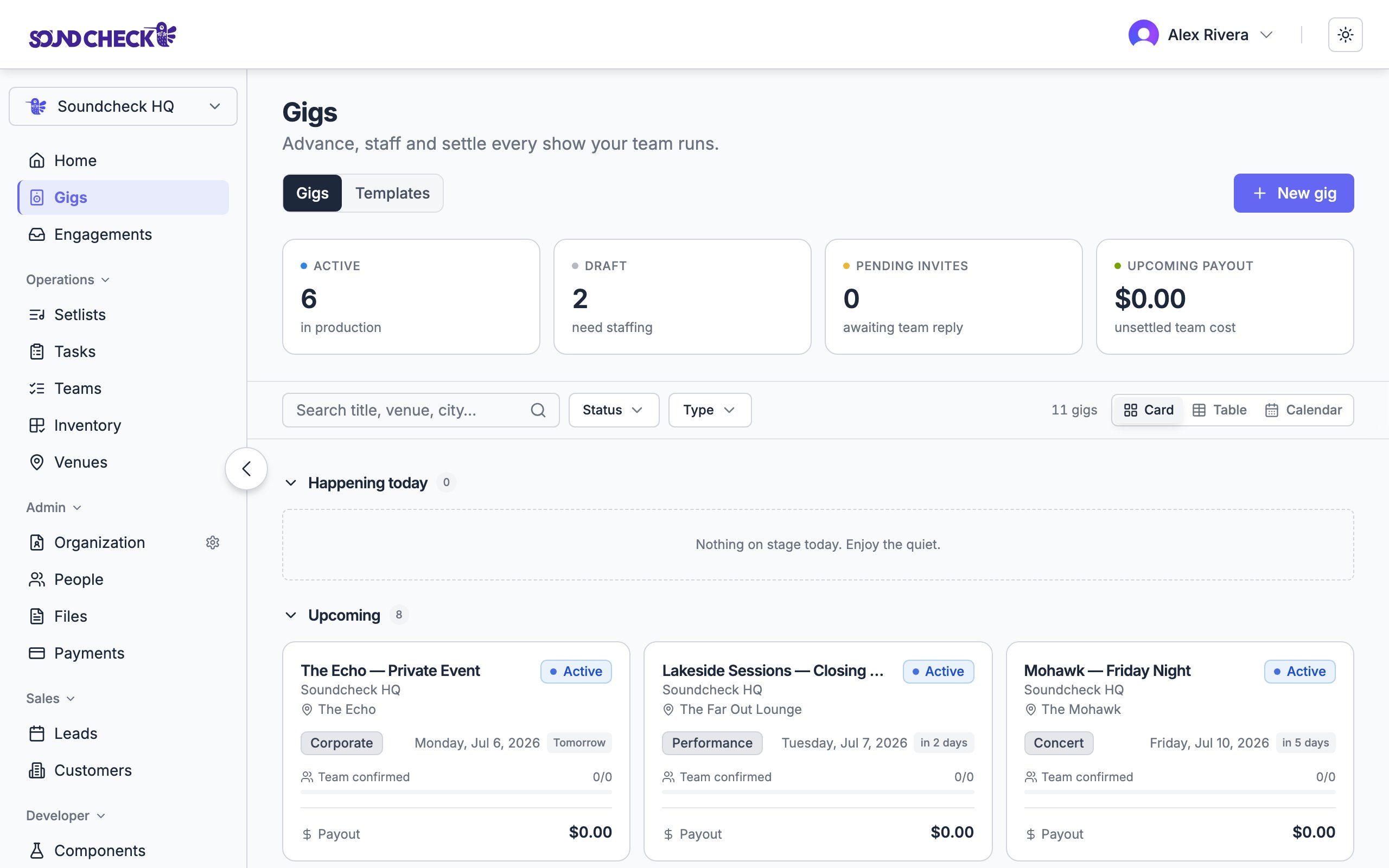
Every show on the run, staffed and tracked from one board
Set this up
Tours
Group the run into one folder with a financial roll-up.
Managing a touring lineup
The full playbook for rotating subs and per-leg lineups.
Saved teams (Pro+)
Apply A-team, B-team, and per-leg rosters from Manage Team.
Availability requests
Find out who’s free before you route a leg.
Mobile app
What the crew does from their phones on the road.