

Venue and customer directories require Team or Enterprise with CRM enabled for your organization. Owners, admins, and gig coordinators manage venue logistics. Crew can read a gig’s load-in/access details and show notes without access to the full venue directory. See venue permissions.
How a venue runs on Soundcheck
1
Review the calendar and create each booking
Use the calendar to review existing bookings before committing a room, date, or crew. Create a gig for each event so its staffing and instructions can be reviewed separately. Confirm turnaround time for load-out, cleaning, and the next load-in as part of your scheduling review.
2
Prepare the shared venue record
In Venues, save the production contact, stage dimensions, house equipment, facilities, and restrictions. Add the six reusable access fields: Load-in, Load-out, Dock, Elevator, Parking, and Access code.Link that record from each gig’s Venue tab. Update a venue default when the normal arrangement changes, such as a new loading route. Review the gigs that use it for existing exceptions before briefing their crews.
3
Capture what changes for this show
On the gig’s Venue tab, override only the access fields that differ for that event. A dock appointment for a corporate buyout should not replace the usual instructions for every show. Add This show only notes for other temporary details, such as a room closure or a house-equipment substitution.Clearing a field’s value override restores the venue default. Stage dimensions and house equipment are venue facts, outside the six override fields. Follow the venue-logistics workflow to prepare and review the whole arrival plan.
4
Staff and schedule the event
Use team building to assign the required positions, send invitations, and follow responses. Review availability and booking conflicts before committing staff across adjacent shows.Add doors, soundcheck, show cues, changeovers, and strike to the timeline or Run of Show. For recurring formats, templates and duplication provide a starting point; review the new date, times, team, and access exceptions for every booking.
5
Coordinate equipment and closeout
Track gear allocated to the show in Inventory, then record returns after load-out. Use Closeout for the remaining business steps and reviews. Authorized finance managers handle crew payouts from Finances before the gig is settled.If you learn that the standard instructions are wrong, correct the venue record for future work. Keep temporary issues, such as a one-night dock closure, with the show they affected.
Example: a concert followed by a private event
At the fictional Harbor Hall, the regular concert uses the rear dock. The next day’s private event shares the service area with catering, so its coordinator sets a different Dock window and Parking instruction on that gig. The house PA and stage dimensions remain on the shared venue record. The coordinator puts the catering delivery handoff in This show only notes and checks the schedule with the incoming crew. The concert retains its own access instructions and load-out plan.Keep booking relationships connected
Link each booking to its customer and keep contact details and gig history together. Where you use sponsors, record the commitments associated with the event. Lead intake and portal forms provide options for gathering inquiries and client information; review submissions before committing the event’s operational plan.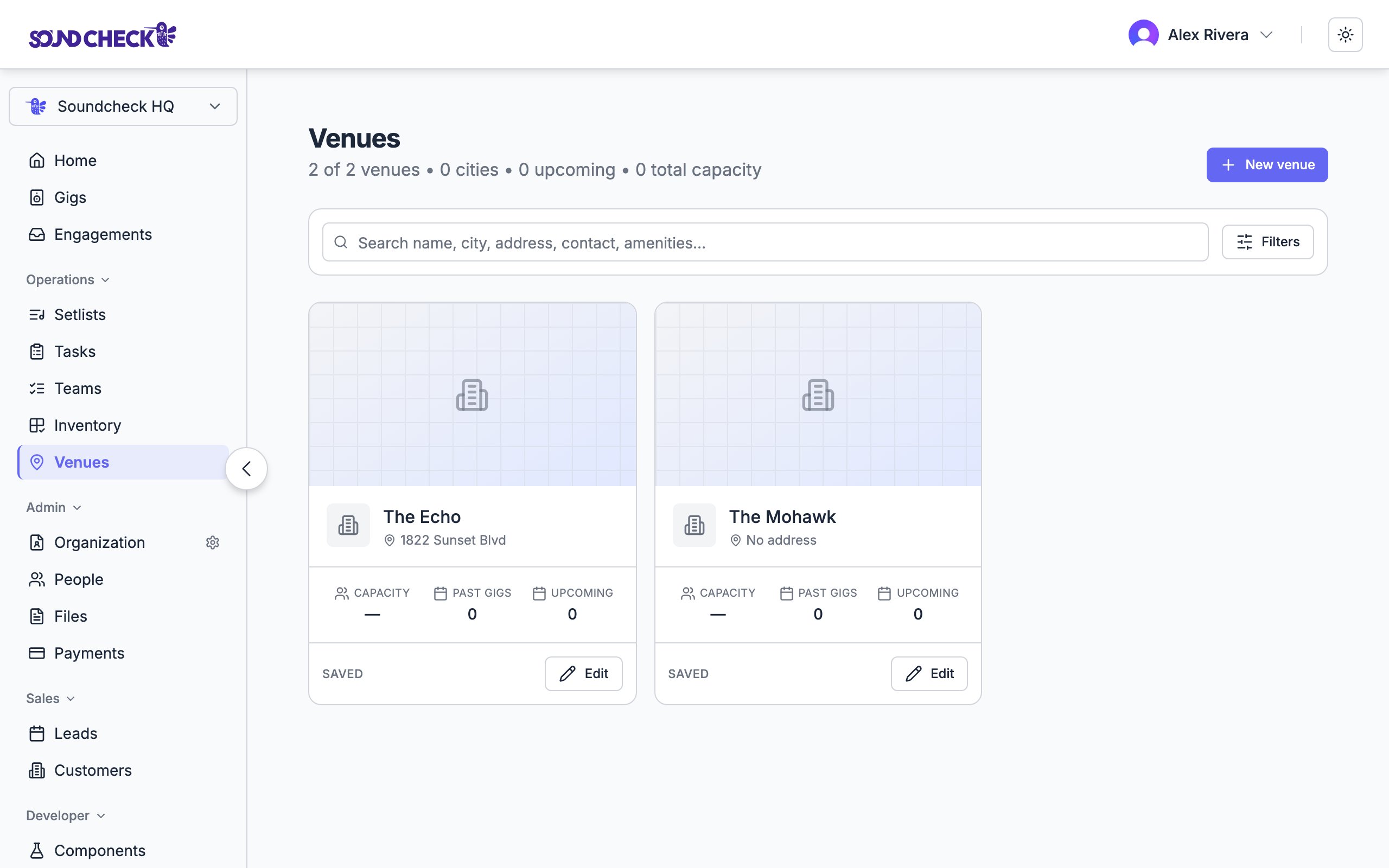
Venue records connect reusable details to individual gigs
Set this up
Venue logistics workflow
Prepare access instructions for the next show.
Venues reference
Fields, defaults, overrides, and permissions.
Templates and duplication
Reuse setups for recurring formats.
Production companies
Coordinate the crew and equipment arriving at your venue.