What Soundcheck is
What is Soundcheck?
What is Soundcheck?
Soundcheck is a live-events management platform for production companies, entertainment agencies, bands, musicians, and venues. It helps you manage gigs, coordinate crews, build setlists, and pay everyone in one place. A full CRM booking pipeline (leads, customers, sponsors, inventory) is available on Team and Enterprise plans, not Starter or Pro. The venue directory is on every plan. See the platform tour.
Can I use Soundcheck on my phone?
Can I use Soundcheck on my phone?
Yes. Soundcheck has mobile apps for iOS and Android, plus a responsive web interface that works on any device. The tab bar shows Gigs, Inbox, Organization (when you have something to open there, such as admin tools) and You. Some organizations move Inbox to the top of the Gigs screen.
Account creation
How do I create an account?
How do I create an account?
Visit app.soundchecklive.io and tap Sign up. On web the wizard has three steps: Your org (work email or website, so Soundcheck can look up your company, then your organization name and optional logo), What you do (business type; when the company lookup recognizes you it picks one for you, otherwise you choose), and Create account (email or phone with a password, Google, Apple, or AgentID). The mobile app asks the same questions over four steps. Sign-up always creates an organization. Positions, a starter Run of Show, and sample gig templates are seeded from your business type and you can refine them later. There is no plan picker or teammate-invite step in the wizard. See Signup and organization setup.
What's the difference between a personal and organization account?
What's the difference between a personal and organization account?
Soundcheck is organization-centric. Sign-up always creates an org workspace, even for freelancers and solo acts (name your band, DJ brand, or production company as the org). You can join multiple organizations as a member, and you can create additional orgs when you need separate workspaces. Invites and shared gigs, positions, and CRM live at the org level. There is no separate “personal-only” mode.
Finding your way around
What's on my Home page?
What's on my Home page?
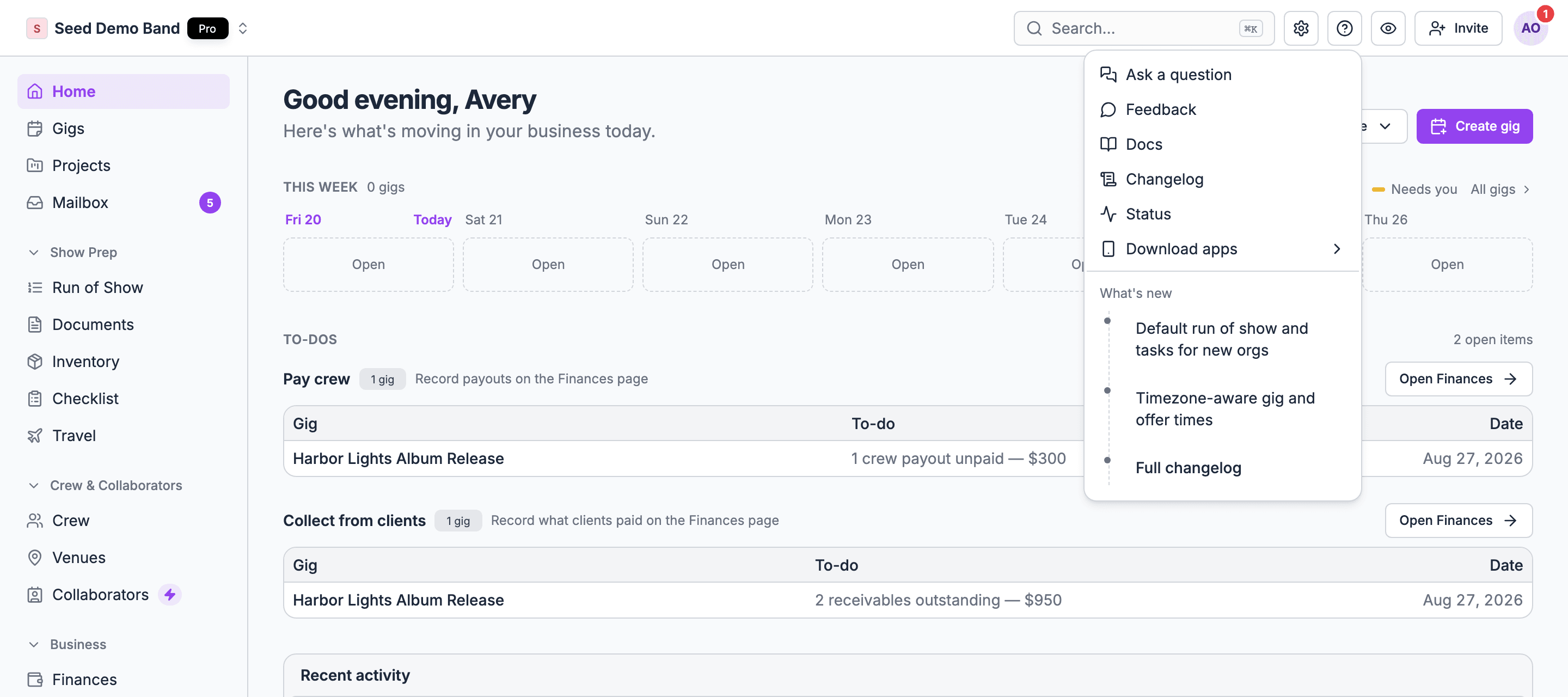
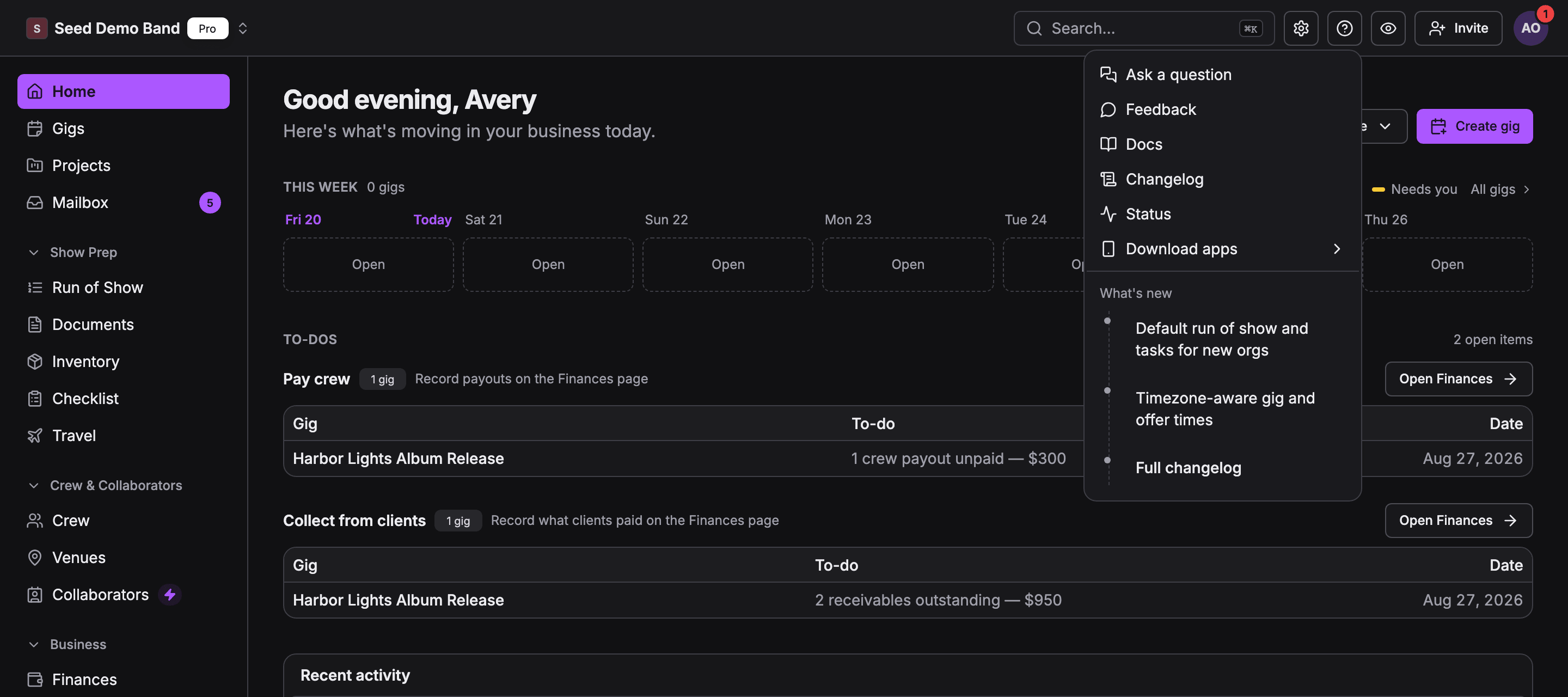
Signing in lands you on Home, a personalized page rather than a one-size-fits-all dashboard. It greets you by name and shows your next show, the week ahead, what needs attention, and recent activity. In a new workspace, owners and admins also see a Build your workspace card until they reach 80% or dismiss it.
Where did the Dashboard go?
Where did the Dashboard go?
The old Dashboard was retired in favor of the personalized Home page. Everything it showed (upcoming gigs, pending items, quick actions) now lives on Home, tailored to your role in the organization.
Where do invitations and requests land?
Where do invitations and requests land?
In My Mailbox at
/engagements. One place for gig invitations, crew offers, availability checks, and onboarding steps. Pending items rise to the top, and every notification email links straight back to the matching row. Org admins also use the org-wide Mailbox sidebar link at /org-engagements. See Mailbox.I just joined an organization. What should I do first?
I just joined an organization. What should I do first?
Check My Mailbox for onboarding steps and any pending invitations, then fill out your profile: photo, contact info, and the positions you can fill. If you’ll be paid through Soundcheck, complete payout setup from your profile so you’re payable from your first gig. See Your first 7 days.
How do I get help without leaving the app?
How do I get help without leaving the app?
Open the Help menu (the question-mark icon in the header). It has Ask a question (where available), Feedback, Docs, Changelog, Status, Download apps, and a What’s new list. Owners and admins open organization Settings from the gear icon next to it.