> ## Documentation Index
> Fetch the complete documentation index at: https://docs.soundchecklive.io/llms.txt
> Use this file to discover all available pages before exploring further.
# Touring bands
> How touring bands use Soundcheck to manage lineups, schedules, setlists, and crew across a tour.
Touring lineups rarely stay fixed. Your regular sax player has a wedding on date four, the drummer's flight changes, a whole leg needs a different rhythm section. Soundcheck is built for the bandleader or tour manager who has to keep a multi-week run staffed without re-booking every show by hand — and who's living out of the mobile app while they do it.
## How a touring band runs on Soundcheck
The pattern is: build the tour shell once, save your default lineup as a reusable roster, then handle per-show variation as it comes. A [tour folder](/features/gigs/tours) keeps the whole run — and its money — in one view; availability requests let you find out who's actually free before you commit a leg; per-gig performance fees let each leg pay its own rate; and calendar feeds put the whole run on every phone on the bus.
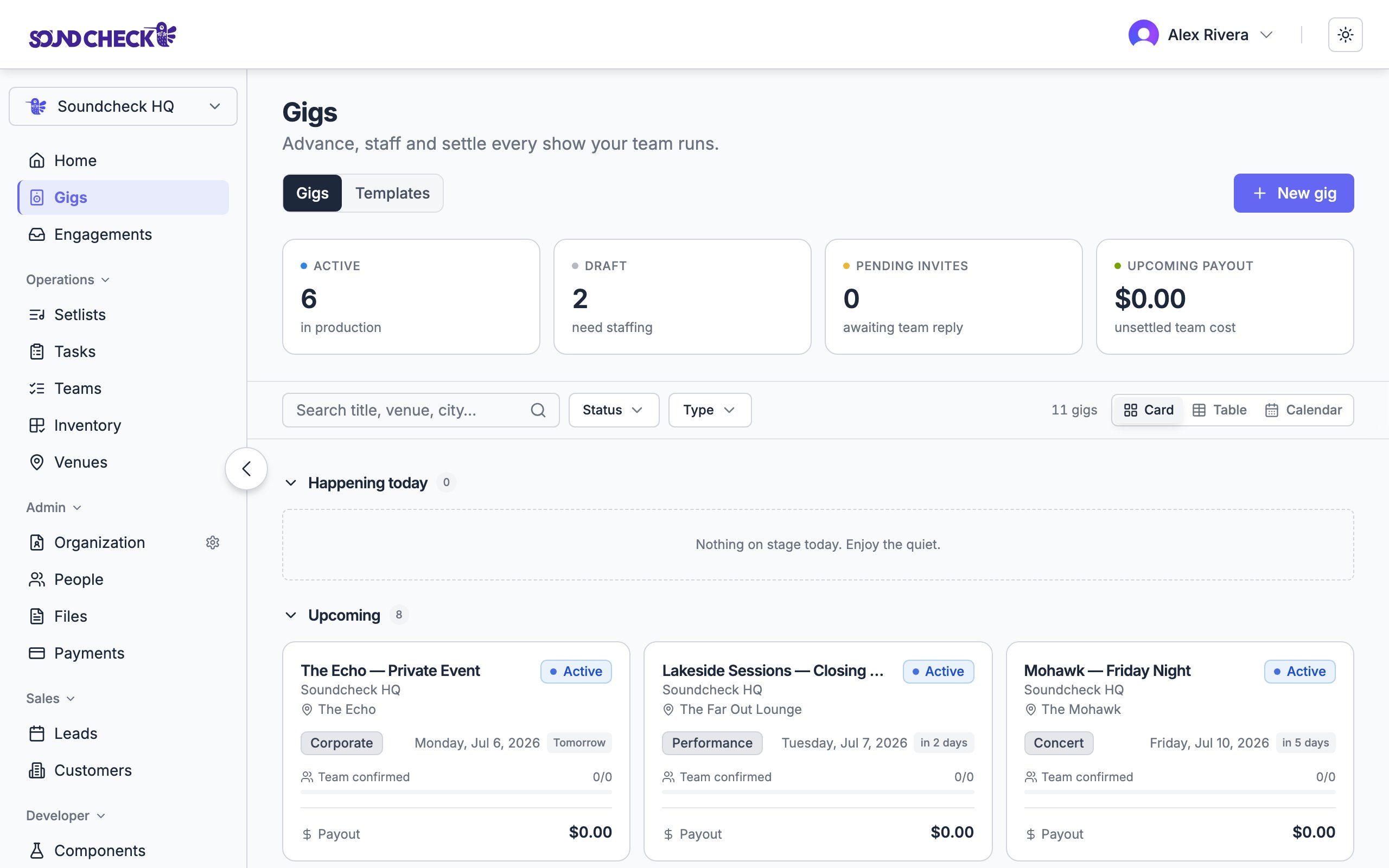
On the Gigs page, create a [tour](/features/gigs/tours) — a folder that groups the run and rolls up its revenue, payouts, and net. Then create one gig with the canonical positions — lead vocals, guitars, bass, drums, FOH, tour manager — and use **Save as template**. Stamp out one gig per show date into the tour; each inherits the position list so you only fill in venue and time. See [templates and duplication](/features/gigs/templates-and-duplication) and [managing a touring lineup](/features/availability/managing-touring-lineup).
From **Teams → Call lists**, build a *Tour A-Team* in priority order, with backups as higher call orders. If the back half changes, make *Leg 1* and *Leg 2* lists. Applying a list populates every position with your primary choices in one action. See [call lists](/organization/teams/call-lists).
When you don't yet know who can cover a date, send an [availability request](/features/availability/availability-requests) to a filtered group — say, everyone who plays drums — for the tour's date range. Members reply **Available** or **Unavailable**, and the response reconciles straight into their availability calendar.
Apply the call list to each leg's gigs and send invitations from the gig **Team** section. For open or one-off slots, use a crew offer instead. Everything lands in each person's [Mailbox](/features/engagements/overview), and accepting also auto-RSVPs the matching Google Calendar invite. See [building teams](/features/gigs/team-building).
When a regular can't make one date, open that gig, click their name on the position, and **Replace** — the original invitation is revoked and the sub gets a fresh one. Add the sub to your B-team call list so your bench grows over the tour.
Set the **performance fee** on each gig, not on the template, so different legs can pay different rates. After members accept, those fees become payable items you can send as [gig payouts](/features/gigs/payments) — through Stripe or recorded as paid manually. As shows [close out](/features/gigs/closeout), the tour folder's roll-up turns from projection into settled money.
## On the road
The [mobile app](/features/mobile/overview) is the on-the-road companion to the web app — same data, signed in on both. Performing members read tonight's call sheet, accept invitations, and check availability requests from their phones; a bandleader can confirm tomorrow's lineup from soundcheck without opening a laptop. Push notifications cover the moments that matter — a new invitation, a crew response, a changed gig — and recently viewed gigs and setlists stay cached so they're readable when reception cuts out at the venue.
Give everyone on the bus a private [calendar feed](/features/calendar-feed-subscription) so the tour shows up in Apple Calendar, Google Calendar, or Outlook alongside their personal life. The feed URL is a secret — treat it like a password, and rotate the token if it ever gets shared with the wrong person.
 ## Set this up
Group the run into one folder with a financial roll-up.
The full playbook for rotating subs and per-leg lineups.
Save your A-team, B-team, and per-leg rosters.
Find out who's free before you route a leg.
What the crew does from their phones on the road.
## Set this up
Group the run into one folder with a financial roll-up.
The full playbook for rotating subs and per-leg lineups.
Save your A-team, B-team, and per-leg rosters.
Find out who's free before you route a leg.
What the crew does from their phones on the road.