> ## Documentation Index
> Fetch the complete documentation index at: https://docs.soundchecklive.io/llms.txt
> Use this file to discover all available pages before exploring further.
# Production companies
> How production companies use Soundcheck to staff crews, coordinate gigs, and manage clients.
Production companies live and die by staffing throughput: dozens of gigs a week, a deep bench of freelancers, gear that has to be in two places, and clients who expect it all to look effortless. Soundcheck gives an operations manager a shared source of truth for who does what — from a standardized position catalog through Mailbox to closeout and settlement — so scale doesn't mean chaos.
## How a production company runs on Soundcheck
Standardize the roles first, then staff against them at volume. Positions and call lists make staffing repeatable; crew offers let you post open shifts a whole pool can grab; Mailbox keeps every outstanding request in one place; and imports pull an existing book of business in without re-typing it. Inventory tracks the gear, and closeout turns each finished show into a settled, on-the-books record.
Define the functional roles your crews fill — FOH and monitor engineers, lighting and backline techs, stage managers, runners — as organization [positions](/organization/teams/positions). Standard names keep staffing, call lists, and reporting consistent, and members can flag which positions they fill so assignment suggestions are sharper.
For known crews, apply a [call list](/organization/teams/call-lists) to populate every position with primary picks and backups. For open work, post a **crew offer** — an open shift several eligible people can accept, or a targeted job offer — from the gig [team workflow](/features/gigs/team-building). A gig's roster is the union of accepted invitations and accepted offer recipients, so however a seat got filled it shows up in one place.
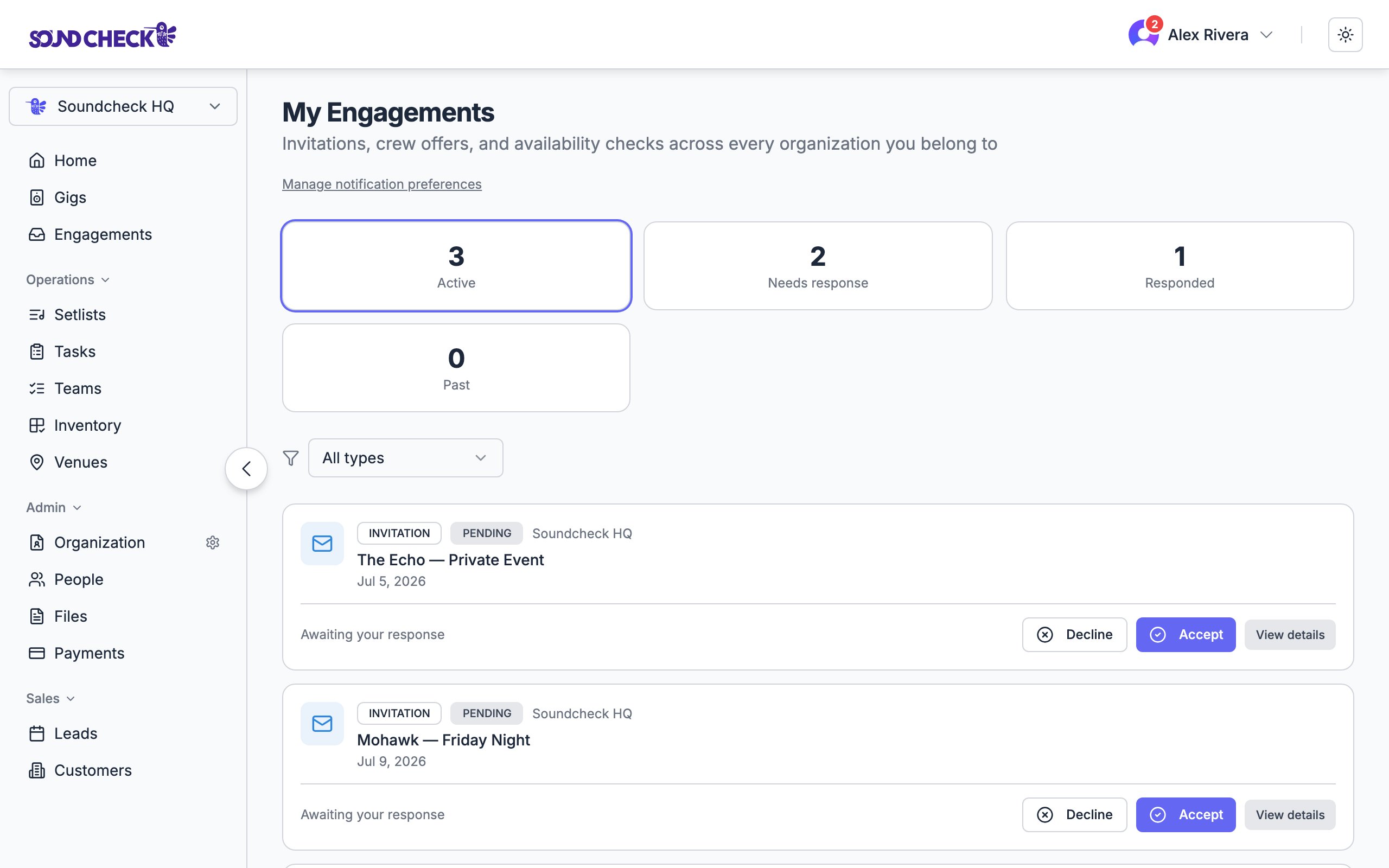
Invitations, crew offers, and availability checks all roll into [Mailbox](/features/engagements/overview). Owners, admins, and gig coordinators get **Mailbox** at `/org-engagements` — a stat strip per request (total recipients, pending, accepted, declined, standby) — so you can spot a stalled offer where everyone declined and act before it's a problem.
The [crew availability calendar](/features/availability/crew-calendar) gives schedulers a shared week or month view of who's marked available, who's unavailable, and who already has an accepted gig that would conflict — so you avoid double-booking before you ever send an offer.
Migrating off spreadsheets or another CRM? The [operator data importer](/features/imports/overview) bulk-loads gigs, venues, customers, and crew invitations from an `.xlsx` or `.csv`, up to 50,000 rows a job. It's idempotent — matched rows update in place instead of duplicating — and a Preview step shows exact create-vs-update counts before you commit. Partner feeds and AI file ingestion land in the same [Universal Event Format](/features/imports/universal-event-format).
Use [inventory](/crm/inventory) to track reusable instruments, backline, and production gear. Assign an item to a gig, member, or transport run so your team knows where it's expected to be, and mark it returned when it comes back — keeping the directory honest for the next booking.
After a show, mark the gig **Completed**, then **Settled** once every crew payable has cleared. [Closeout](/features/gigs/closeout) reads the gig's payables and blocks settlement until nothing is still processing — so you can't close the books on a gig someone's still owed money on. Organizations that opt in can also enforce the **close-out checklist** (contract, invoice, payment, feedback), locking settlement behind the business steps too — with an admin override that logs its reason.
Crew offers can create financial obligations: an accepted offer with a positive fee becomes a payable ledger item counted in the gig's finance totals. Owners and admins manage offer payouts, while gig coordinators keep running operational team and invitation workflows without P\&L or payout access — so you can delegate day-to-day staffing without handing over the money.
 ## Set this up
Standardize the roles your crews fill.
One inbox for invitations, offers, and availability.
Bulk-load your existing bookings in one pass.
Complete and settle every finished gig.
## Set this up
Standardize the roles your crews fill.
One inbox for invitations, offers, and availability.
Bulk-load your existing bookings in one pass.
Complete and settle every finished gig.